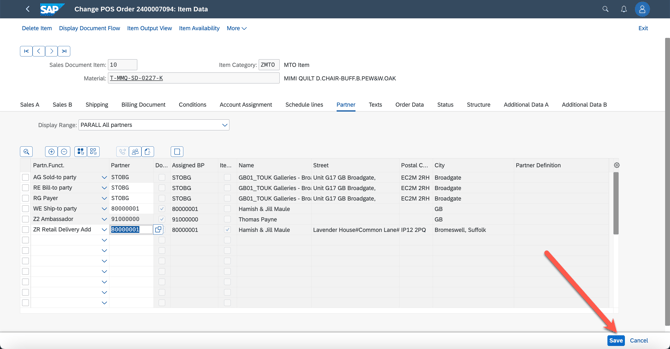
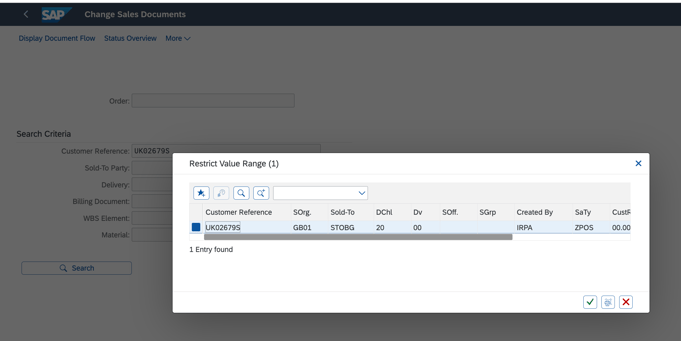
1. go to app of change sales order - VA02
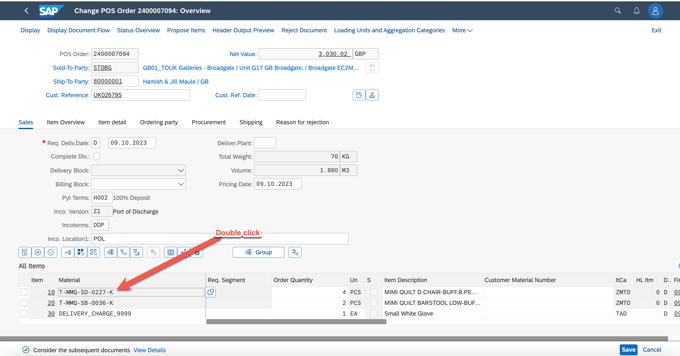
2. go to double clike the first ITEM
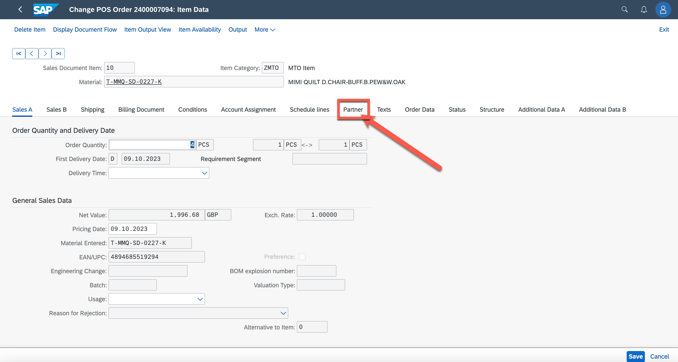
3. go to partner
4. go to delivery address

5.add the phone number as below and confirm, if there is warming please click enter
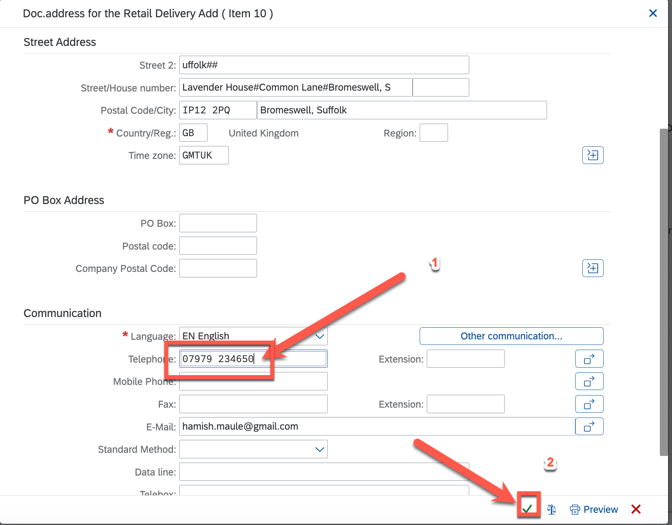
6. add the phone number for all the item follow above steps
7. save