1. Book a "Warehouse Booking" Date
1.1. Find the container that needs to be booked.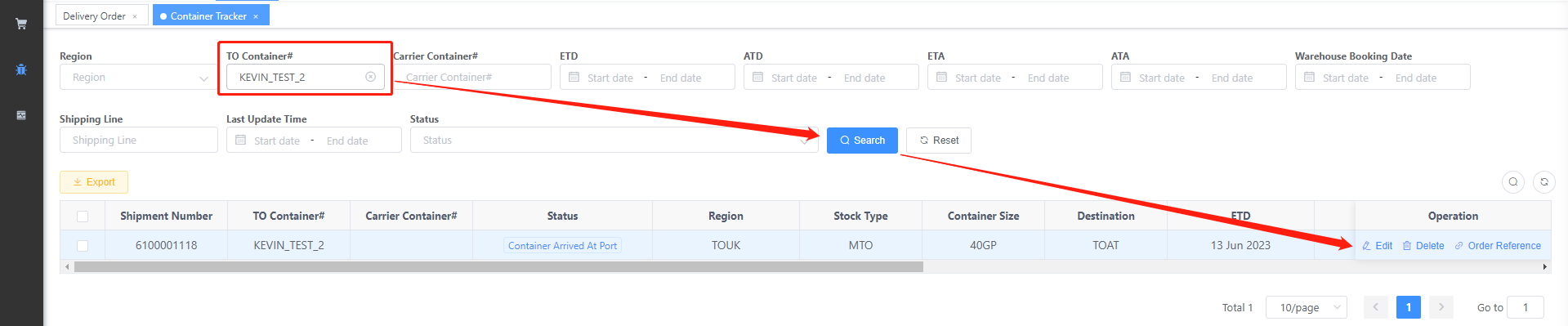
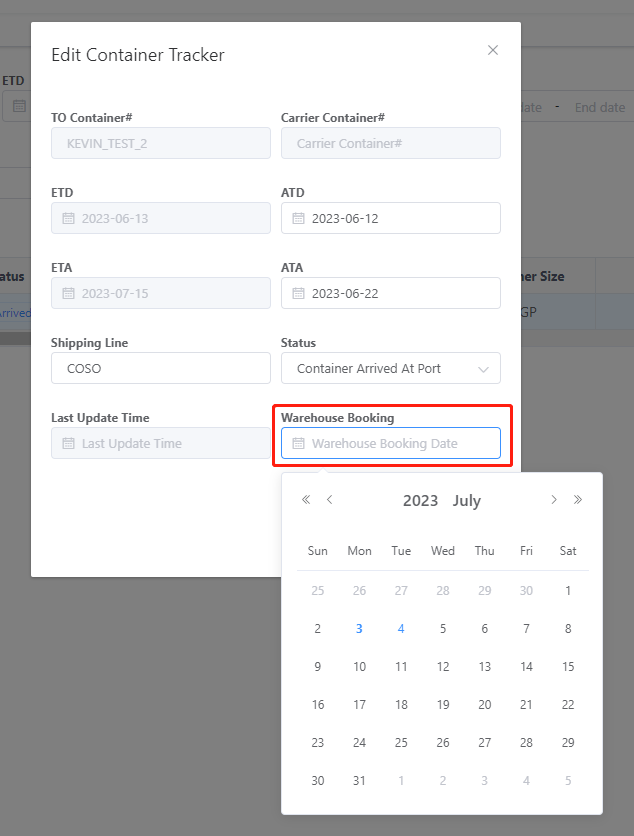
1.2. Fill in your scheduled time.
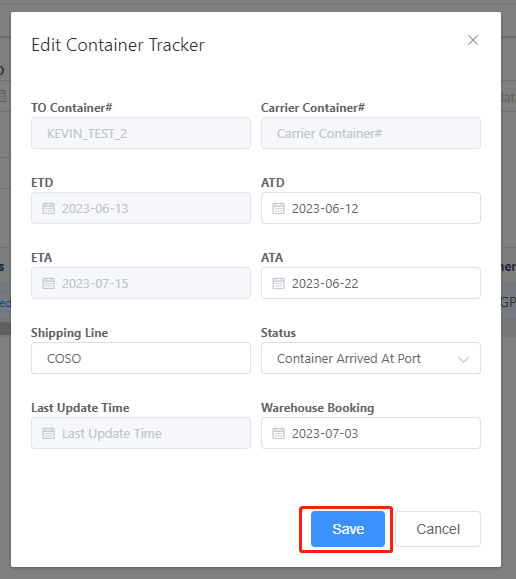
1.3 Press "Save" button to confirm.
2. Goods Receipt
2.1 Select the record you want to receive.
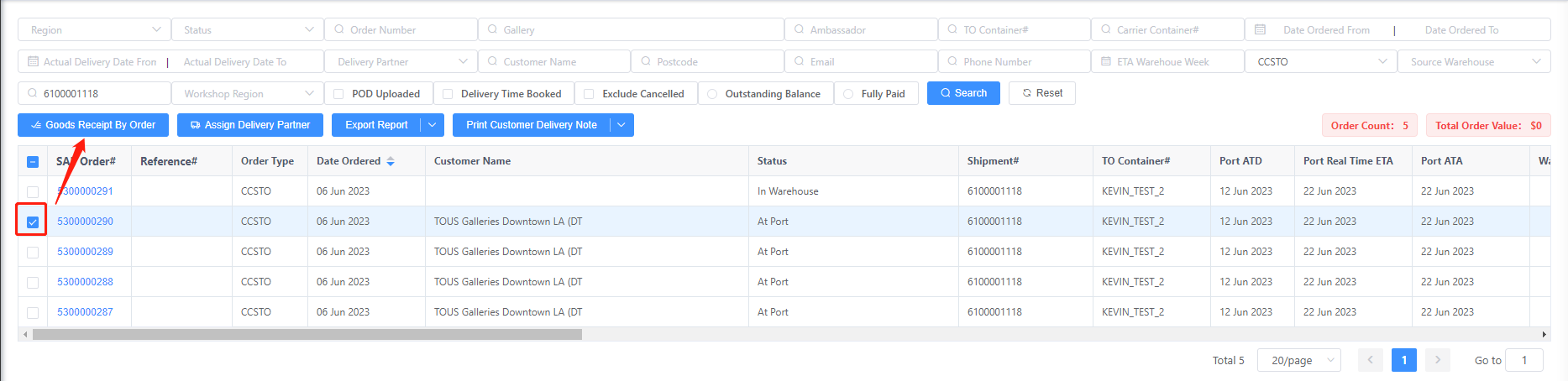
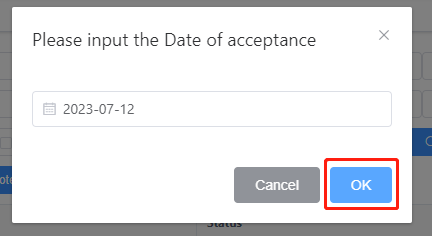
2.2 Fill in your receipt time.
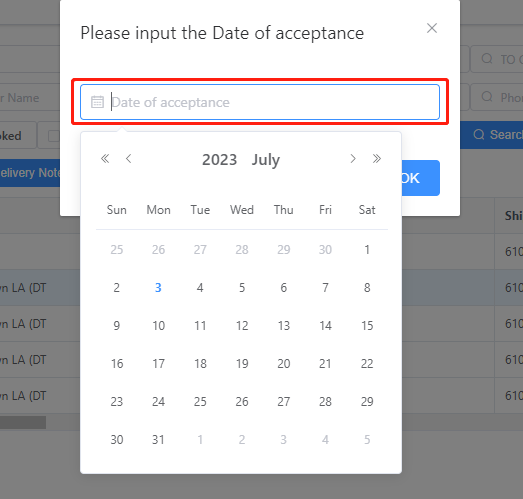
2.3 Press the "OK" button to confirm.