Skip to content
English
  • There are no suggestions because the search field is empty.

How To Recover Sharepoint History Version

Windows 10 and Mac OS 

Online : 


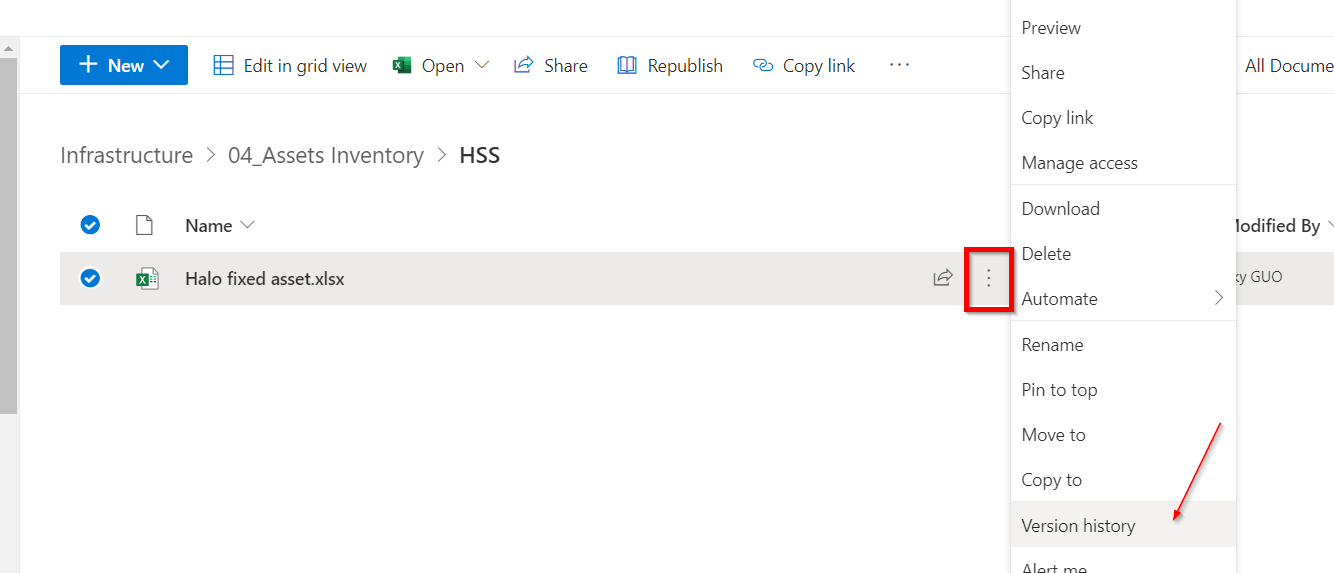
  1. Go to the SharePoint(online), select the file you want to recover, click “3 dot” and choose “Version history”. 


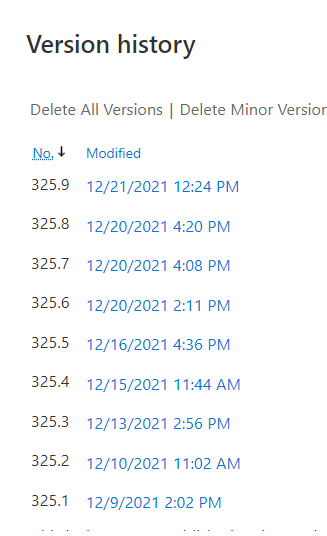
2. You can click any version to view.

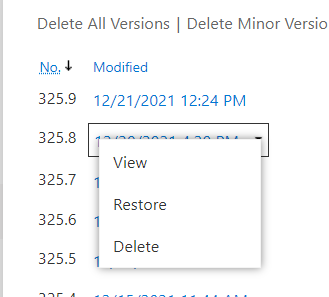
3. Click the down arrow and select Restore.


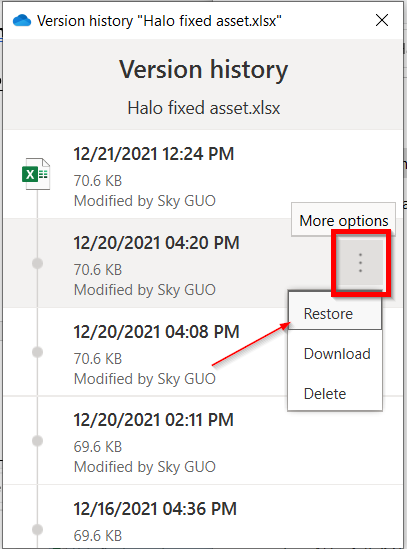
On-Premise(Windows 10) 


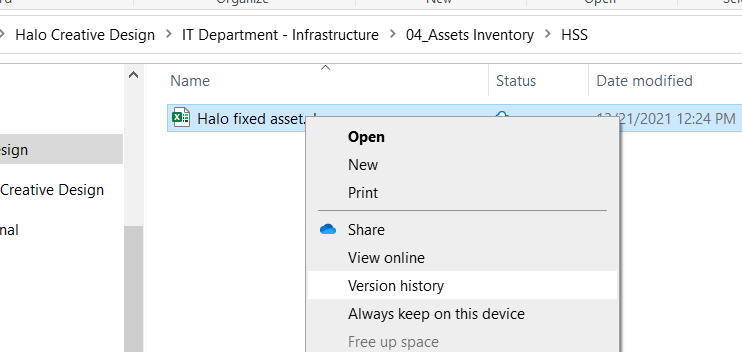
  1. Go to the file and right click, select “Version histroy”. 


2.  Click “Restore”. 


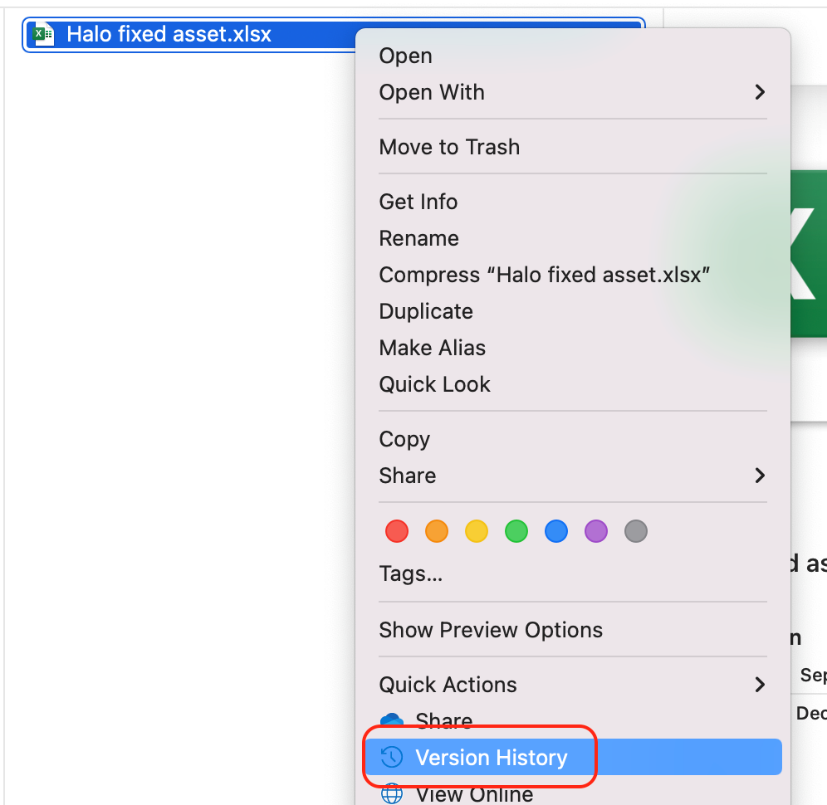
On-Premise(Mac OS) 

  1. Go to the file and right click, select “Version histroy”. 

                    Graphical user interface, text, application, chat or text message

Description automatically generated            


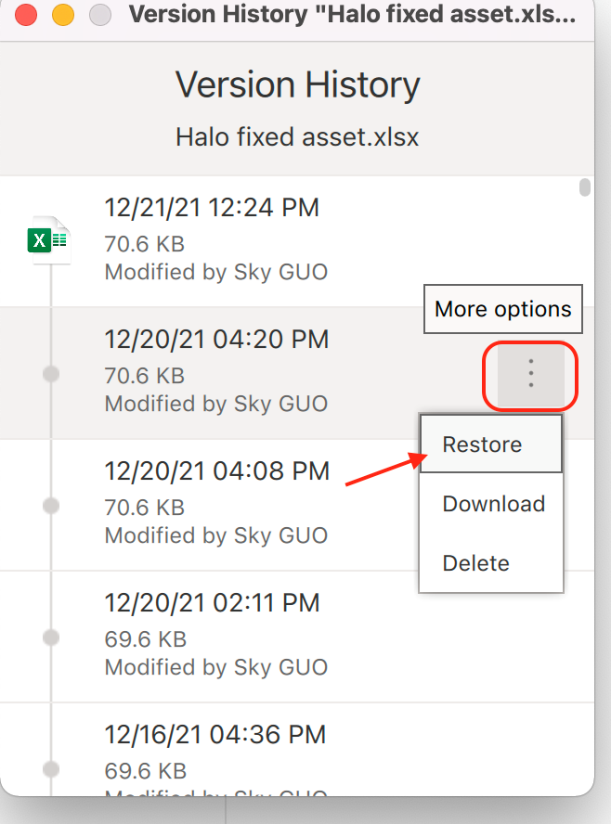
2. Click “Restore”. 


Graphical user interface, application

Description automatically generated


                                                                                 END