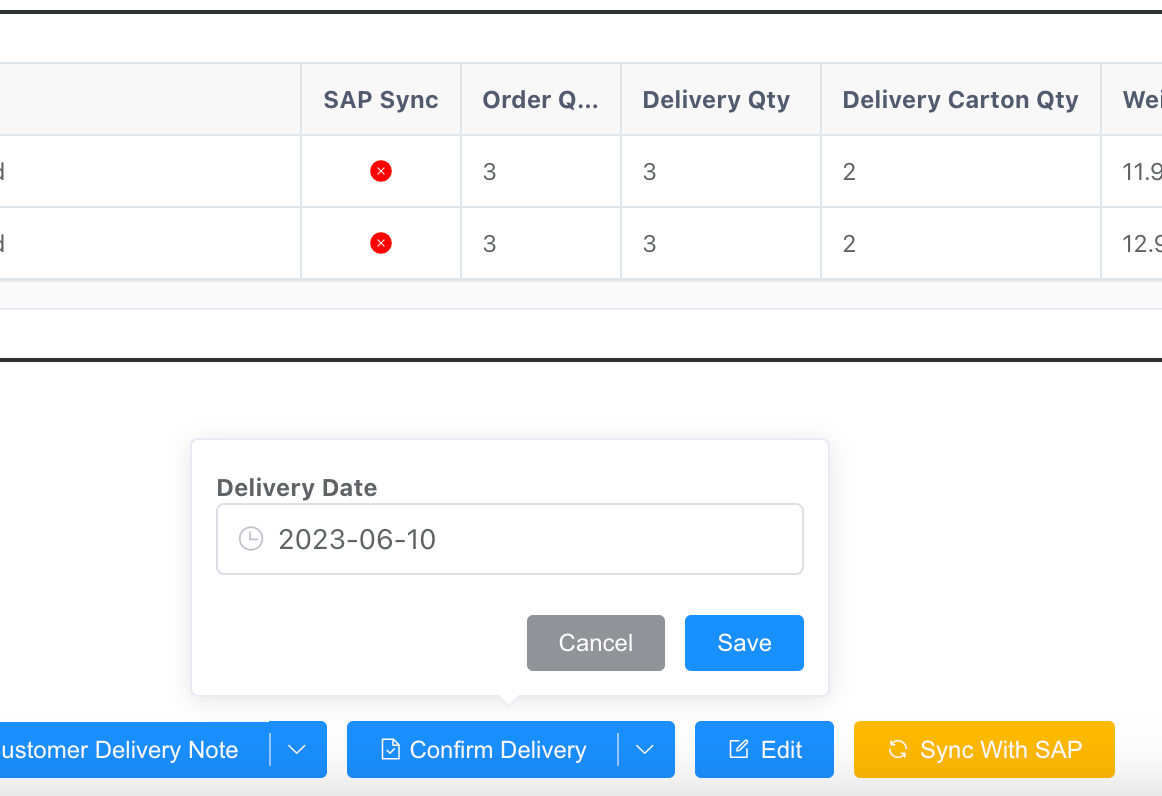
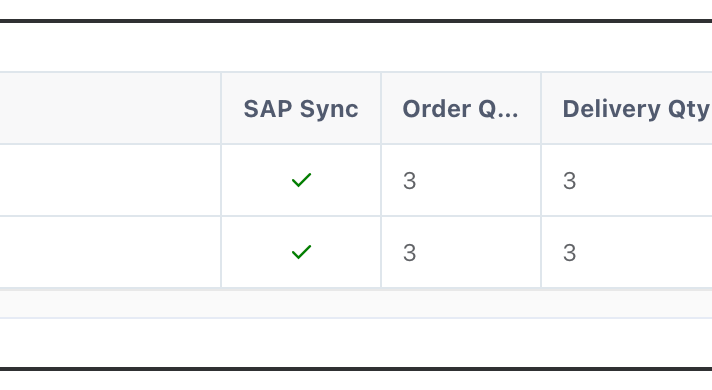
Description:
the error as below:
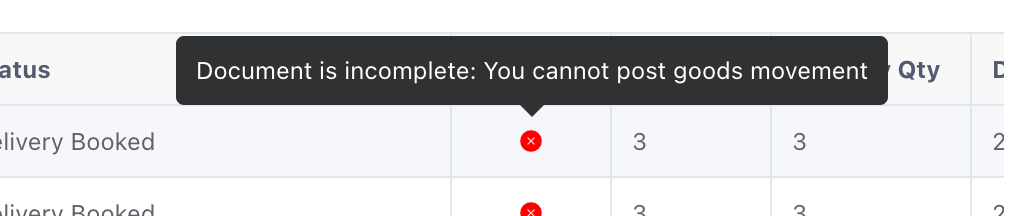
Issue Fixing Steps:
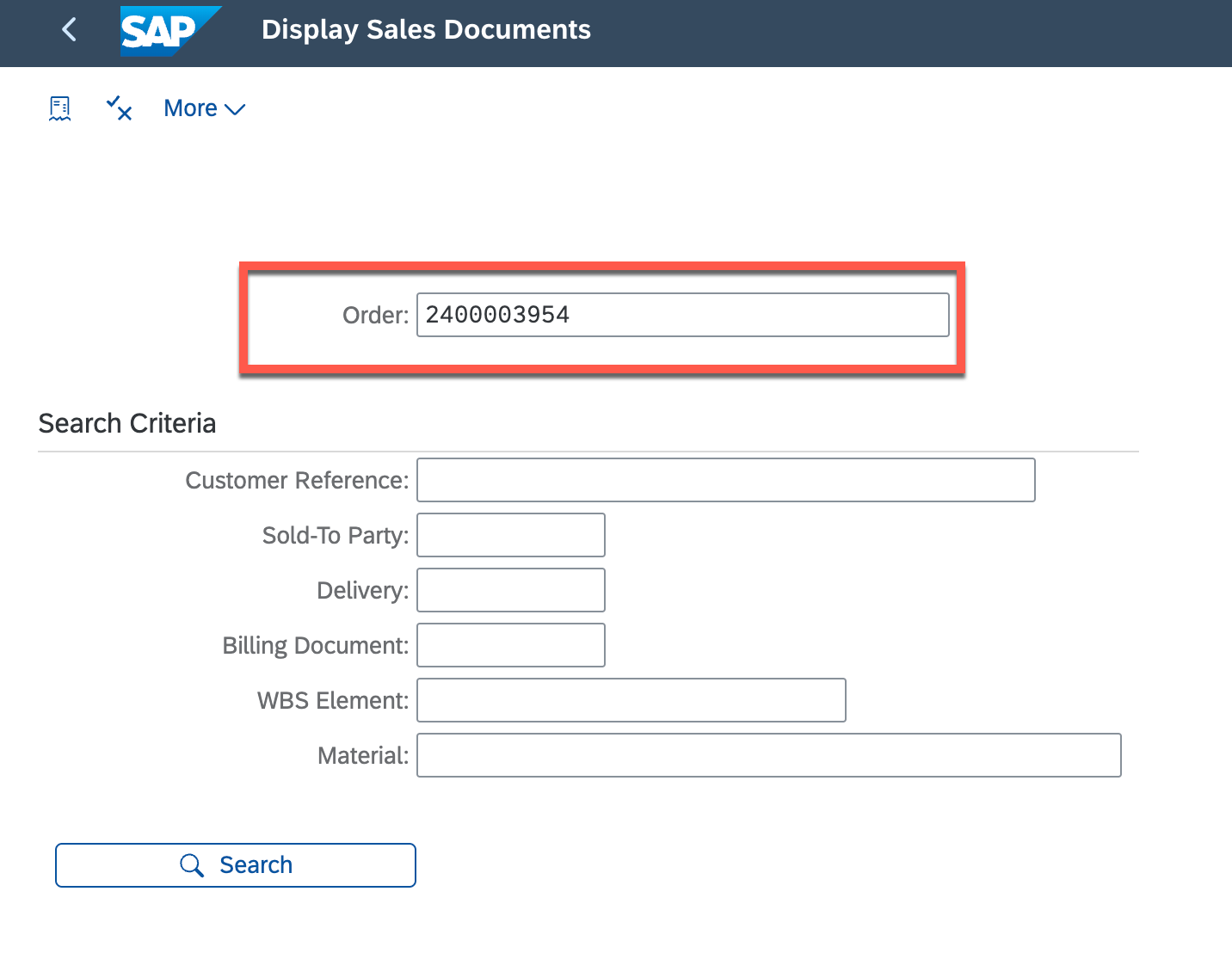
1. go to SAP to display sales order with : VA03
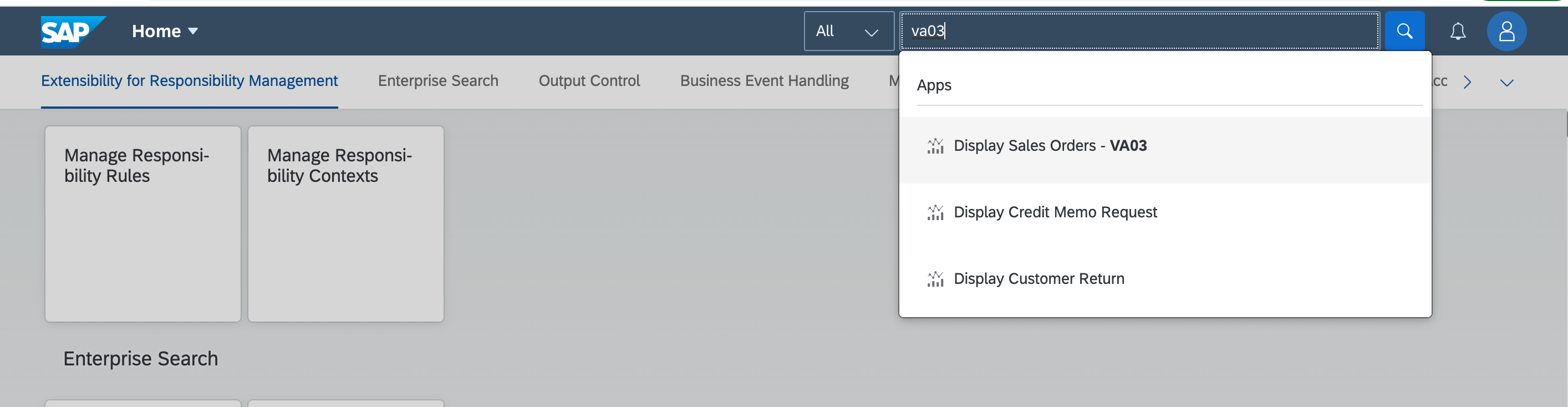
input SAP sales order, which begin with 24****
or input POS SO into Customer Reference
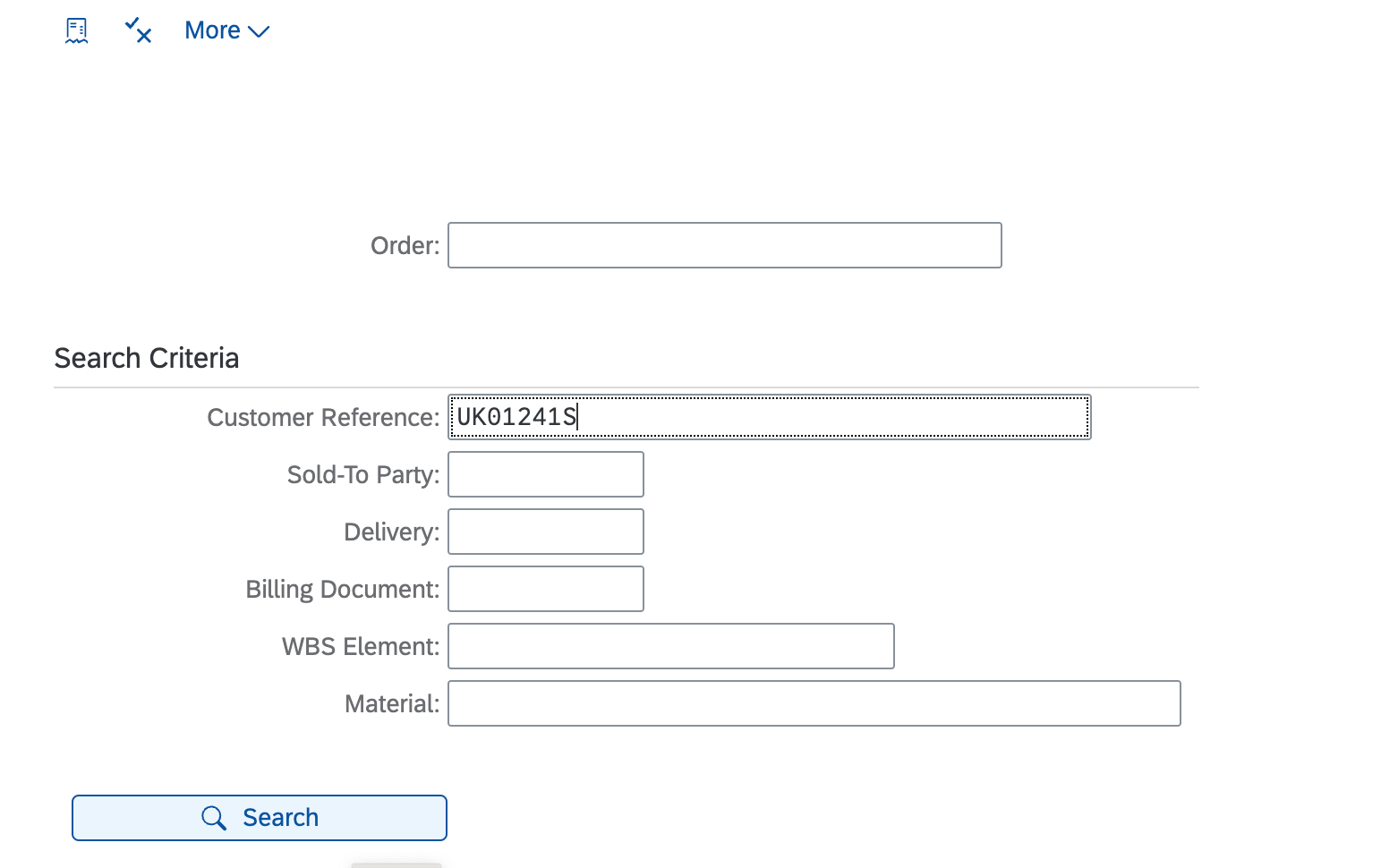
click search go to the order
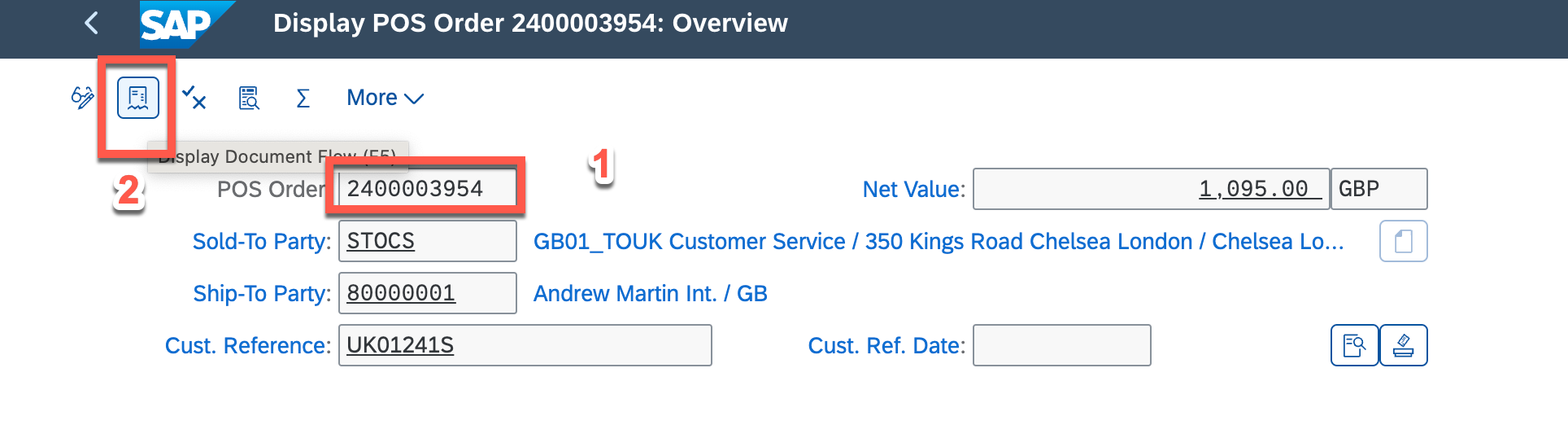
2. click so and then click the display document flow
select delivery note and display it
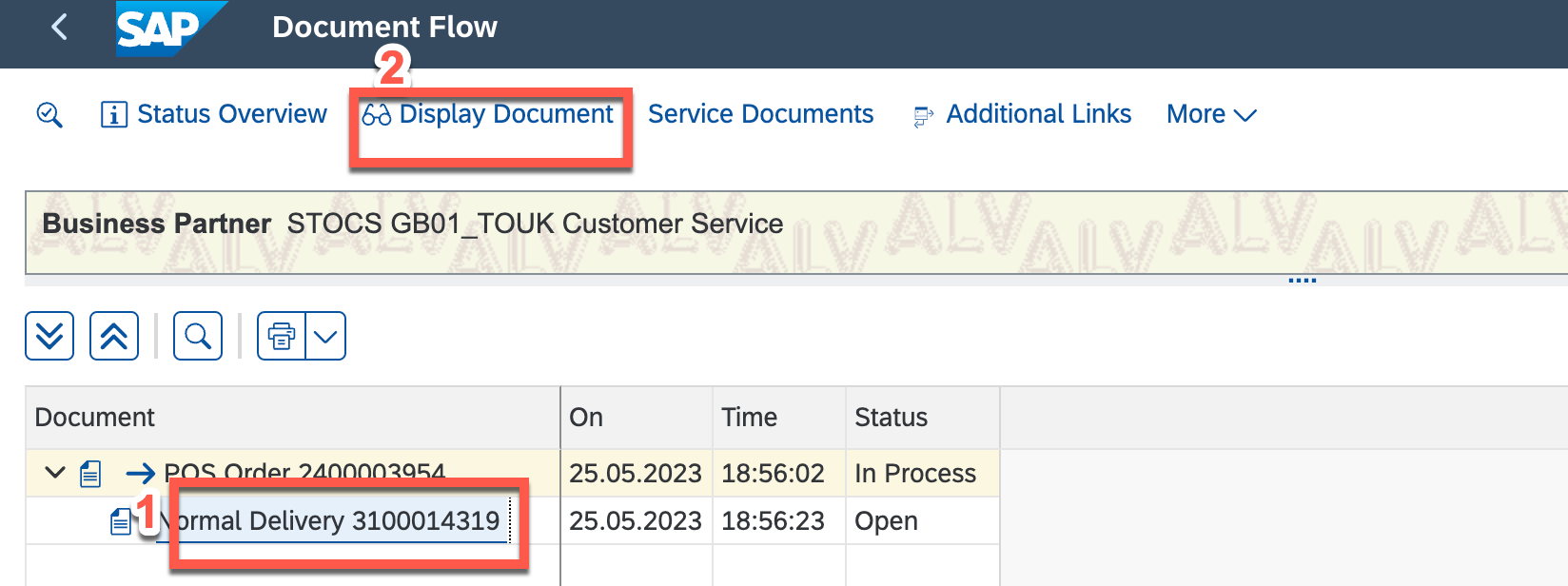
3. change the display mode to change mode by click the pencil, located the item without + icon as below, which means the incomplete line, and then assign the batch
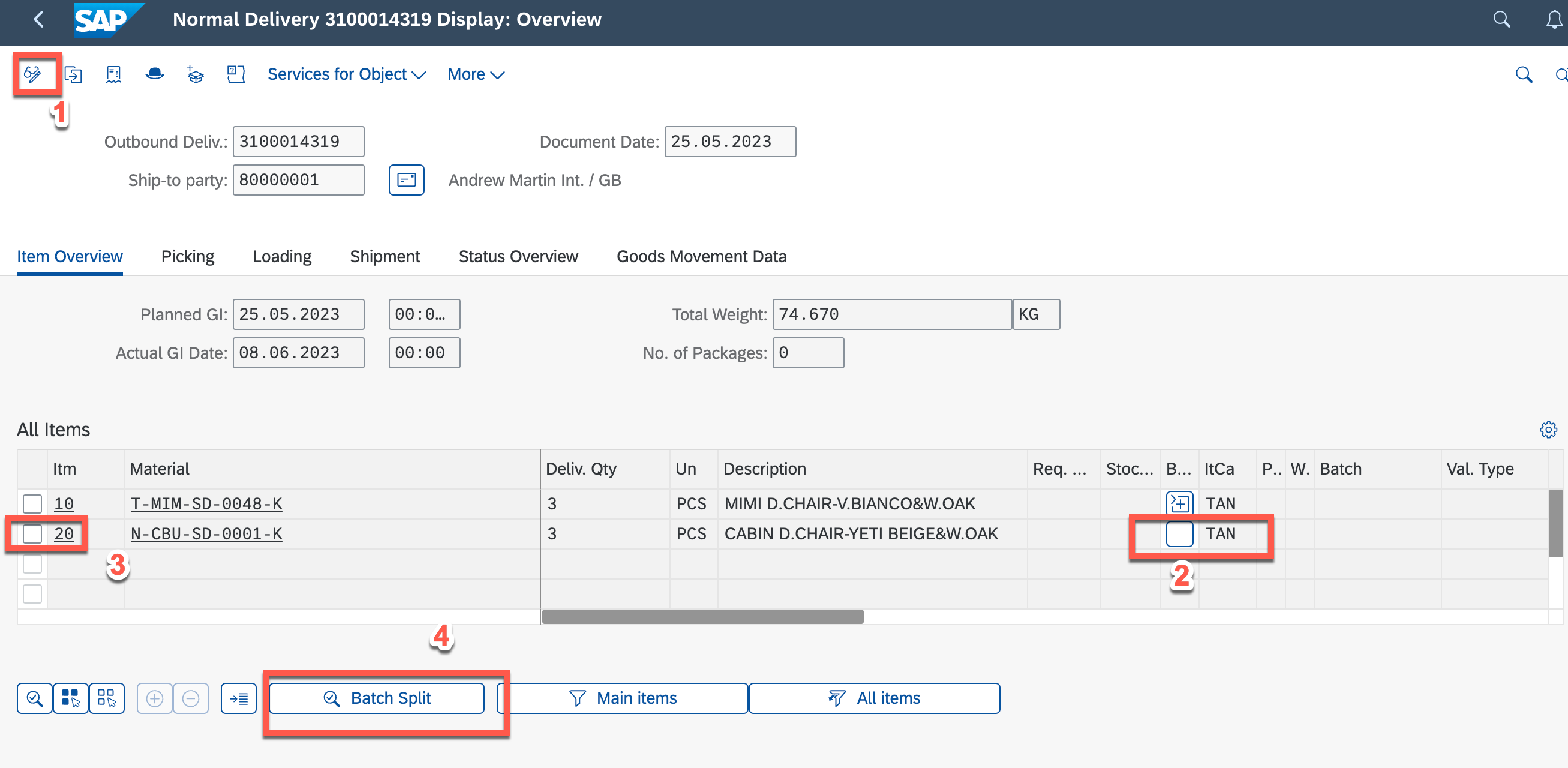
4. go further to assign the batch
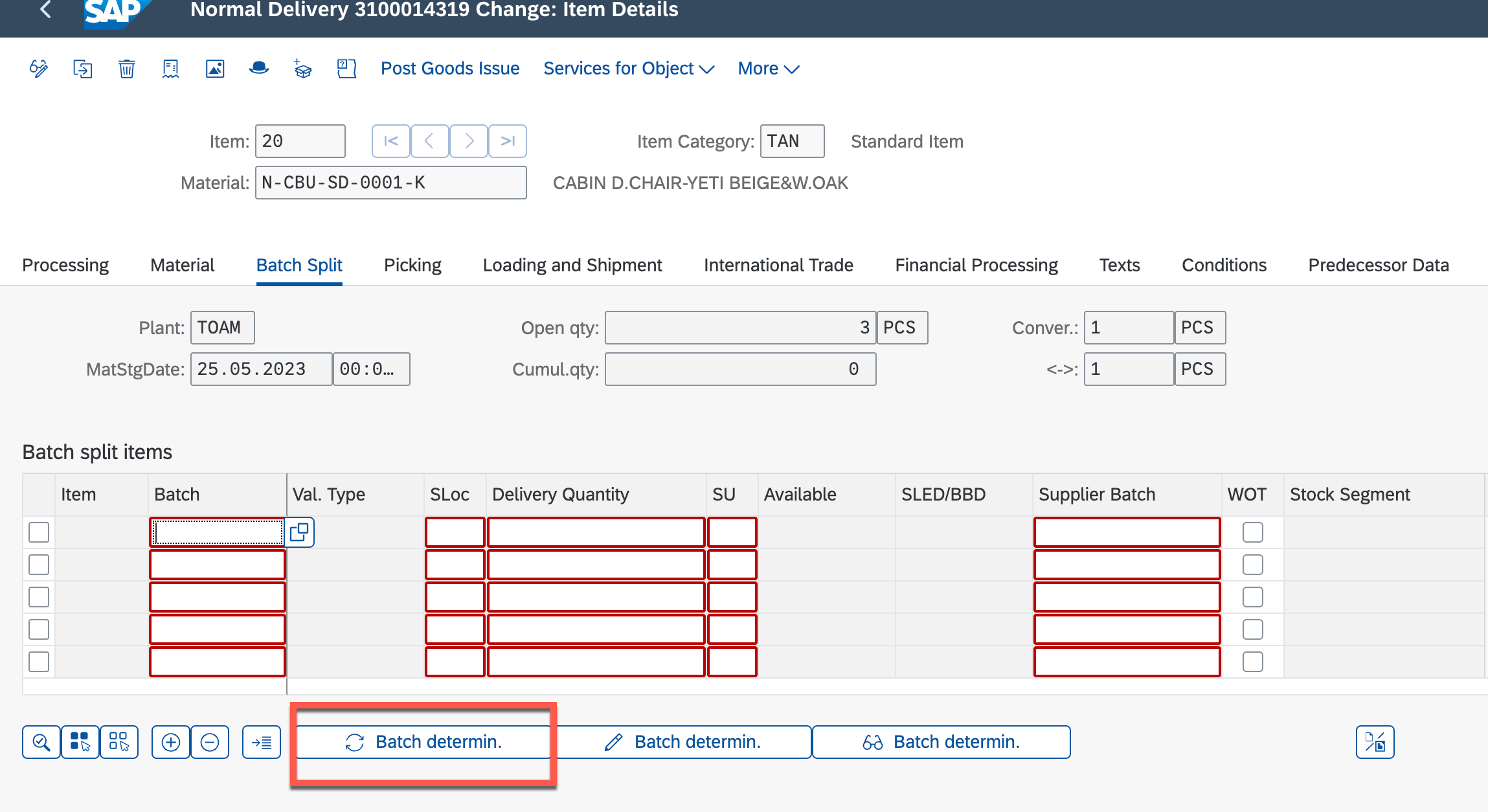
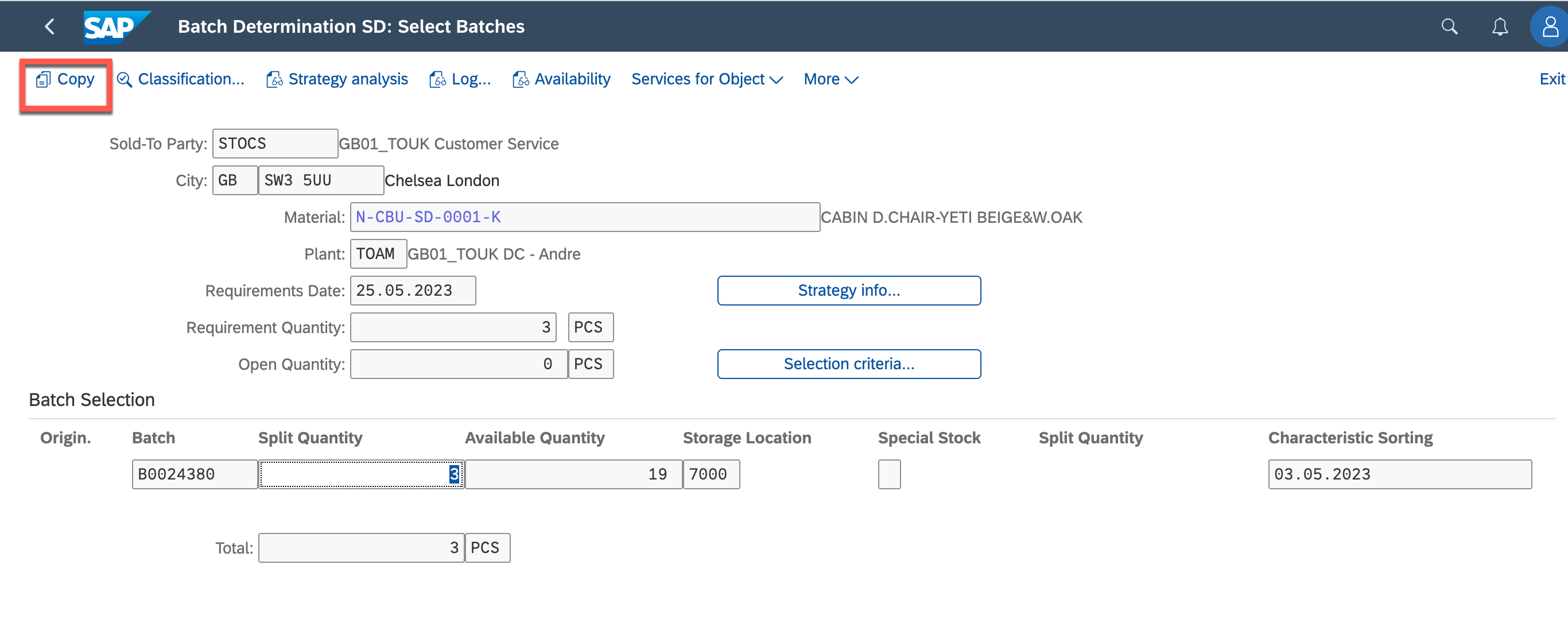
save
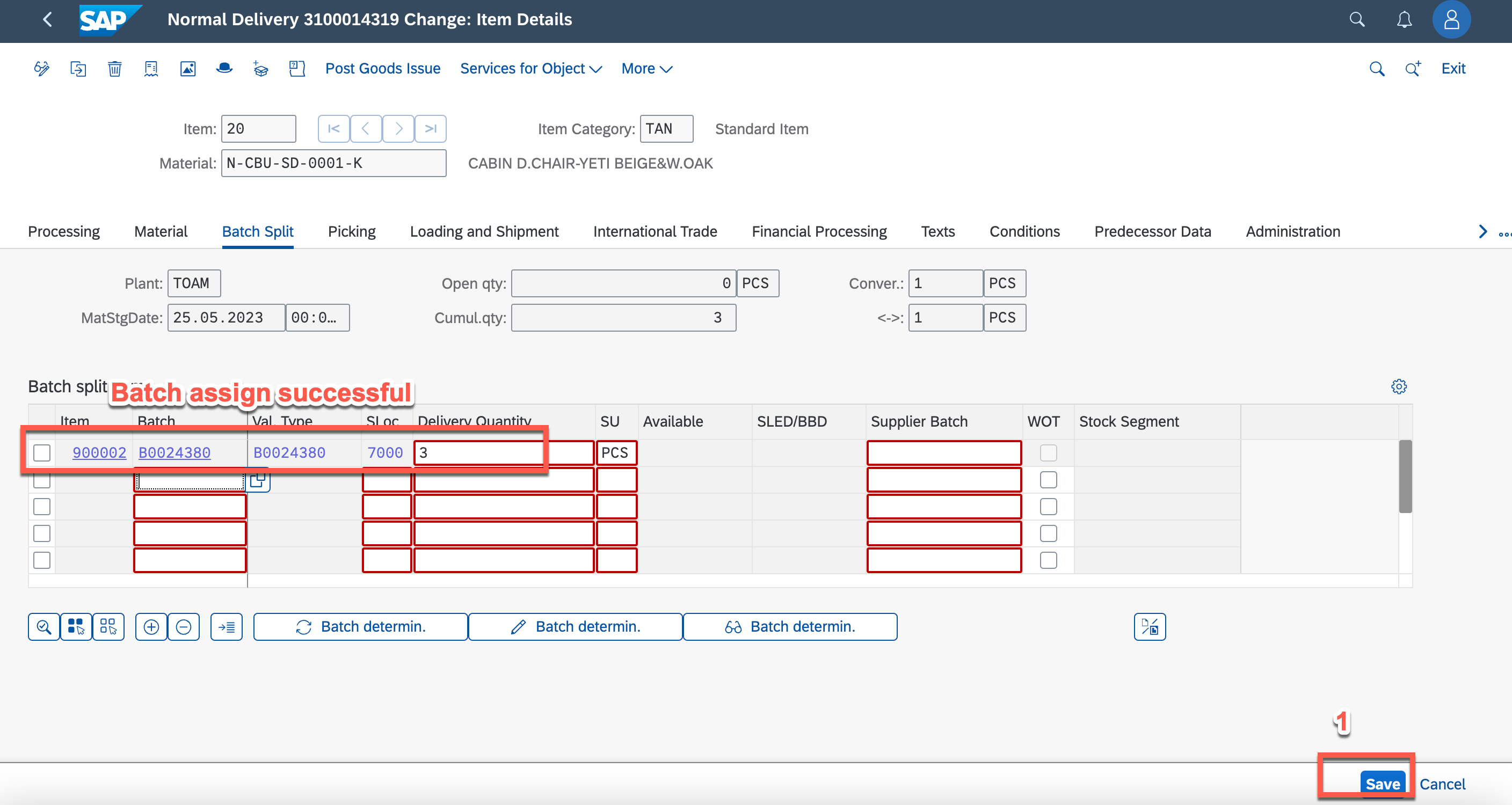
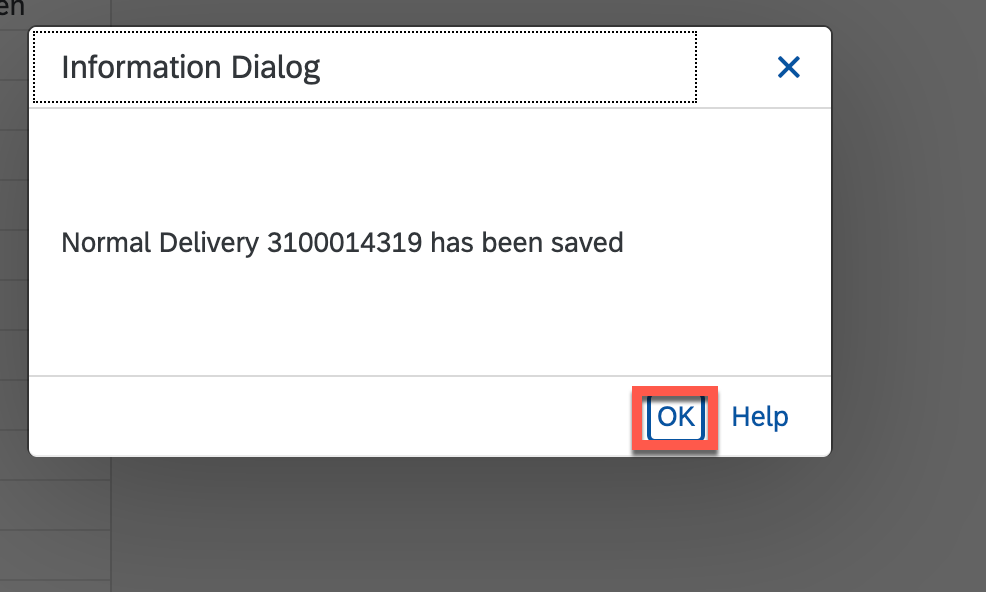
then can go back to TMS confirm delivery