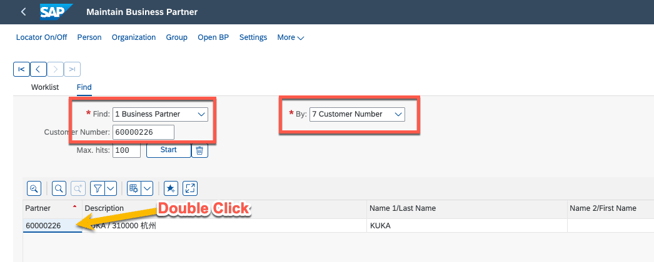
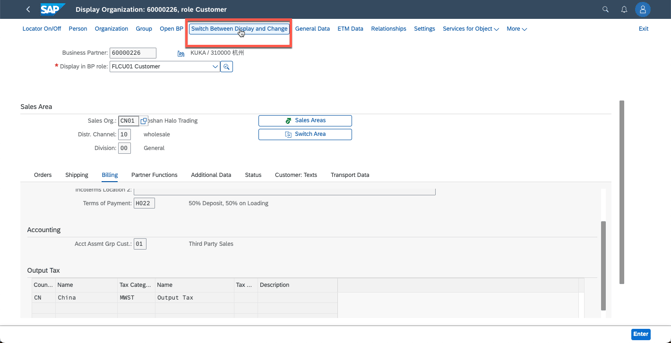
1. go to SAP BP
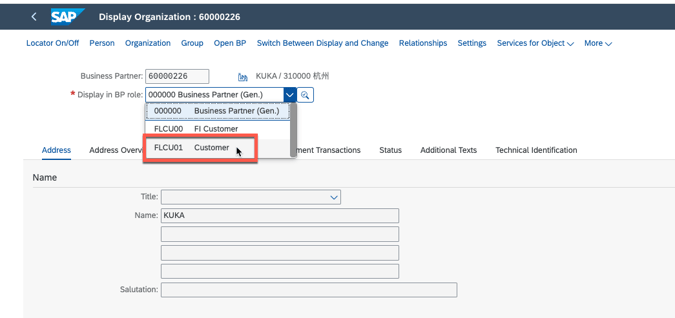
2. go to FLCU01 show the customer
3. go to sales and distribution

4. go to billing to check if the tax code is there
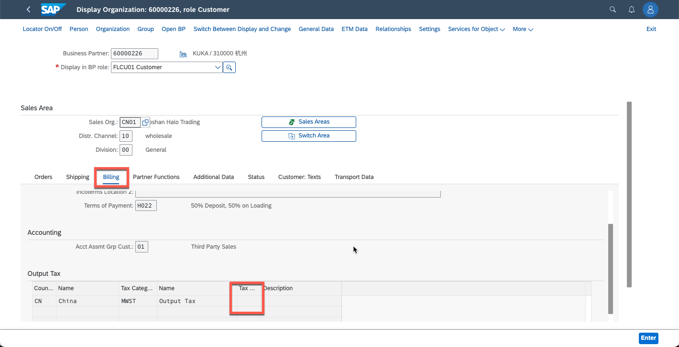
5. if the customer need to tax for CN, but here is no code, please go to change and input the parameter 1
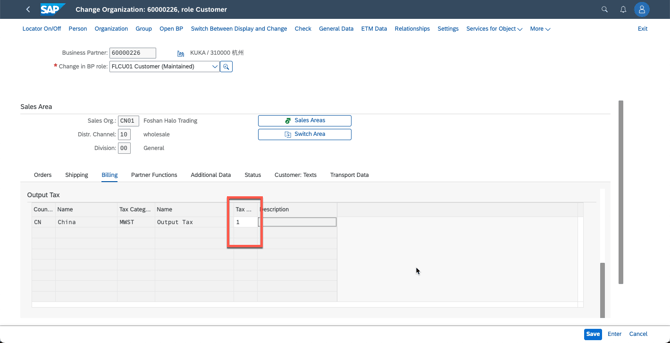
and then save.
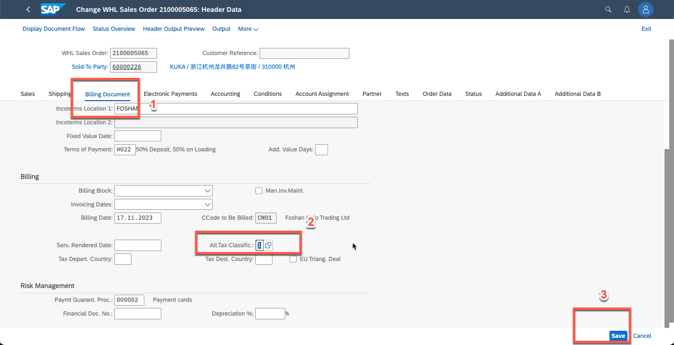
to update the TAX for a sales order directly:
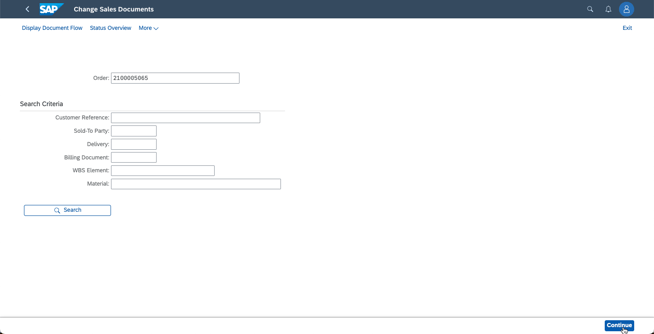
1. go to order change VA02
2. go to order header
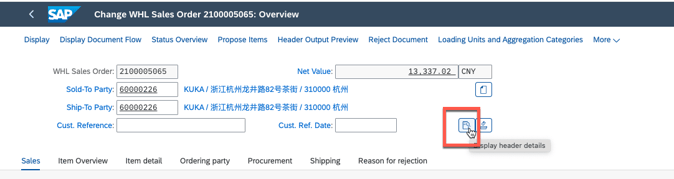
3. update the tax code and save