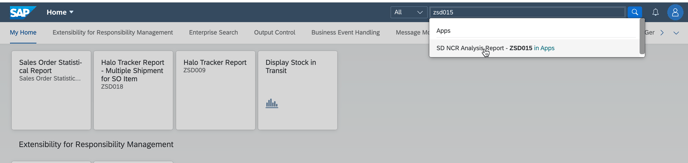
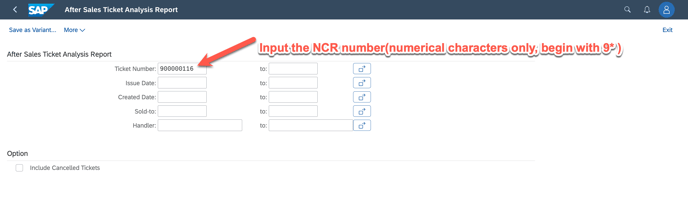
1. look up the return sales order via ZSD015 - NCR analysis
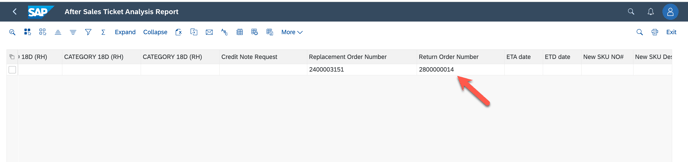
2. Display Return SO and get return DN
go to VA03 to display SO
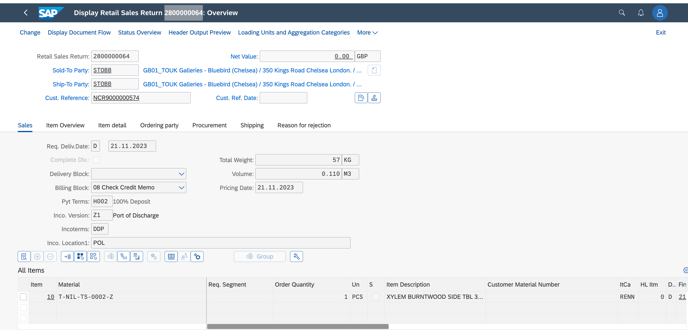
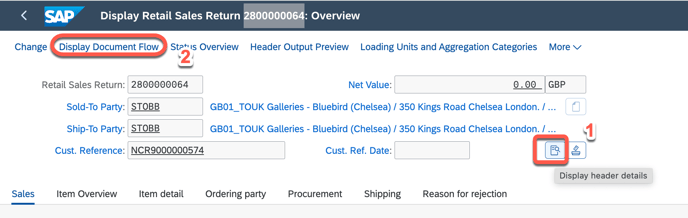
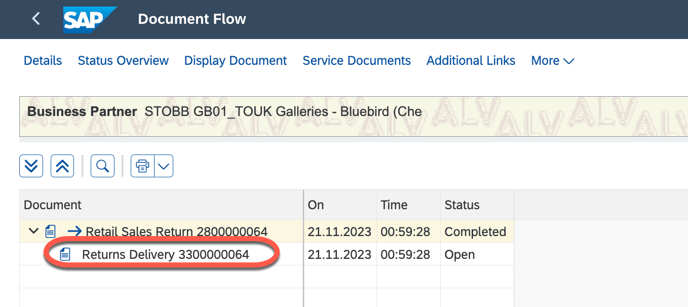
DN as below
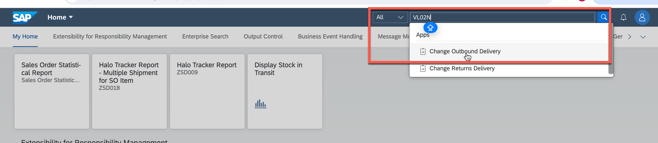
3. go to VL02N
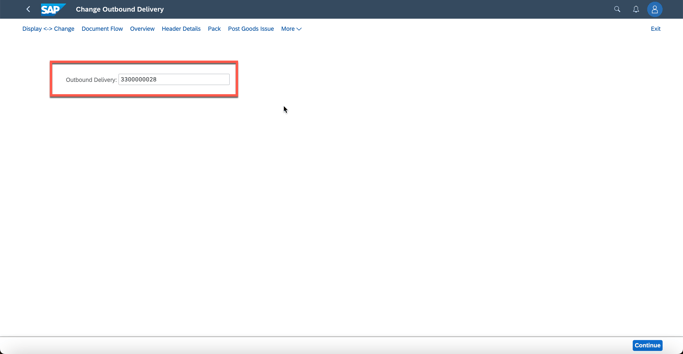
4. input DN
5. Conduct PGR
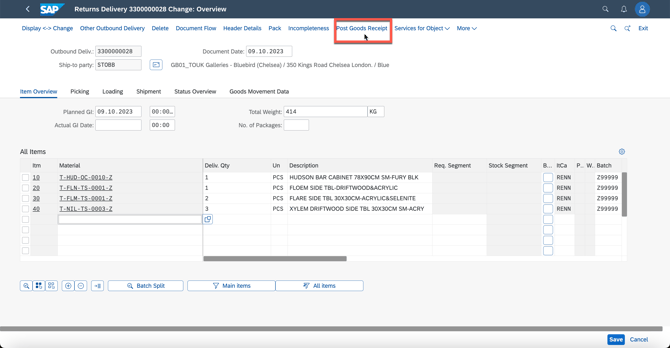
When conducting this step, if there is a Reminder : The batch does not exist in plant XXXX
Plz follow the below KB link to add a specific batch
How to create a batch for an order? (halocreativedesign.com)
6. if there is no Location, please input the location