|
Preparing Process |
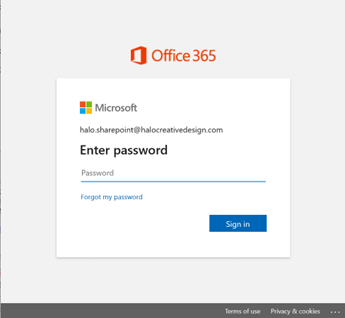
Sign in your OneDrive account
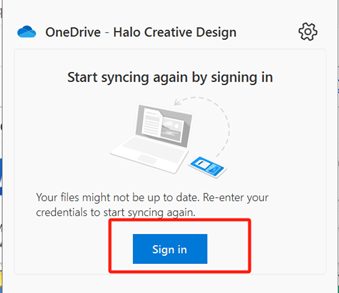
- Press Sign-in button in OneDrive program.
Upload your files to onedrive
- Create a new folder in OneDrive, for example, “Backup” folder.
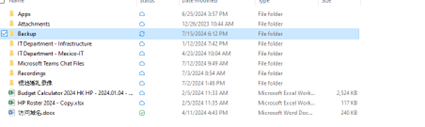
For example, we need to move 1.38GB folder to OneDrive, before moving your computer must have more than 1.38GB storage.

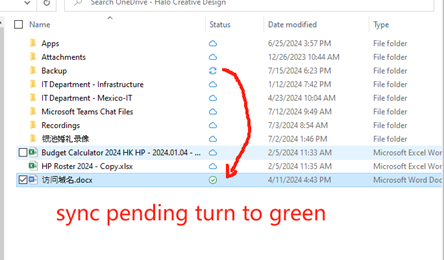
When the sync is complete, the sync pending icon will turn to the green icon.
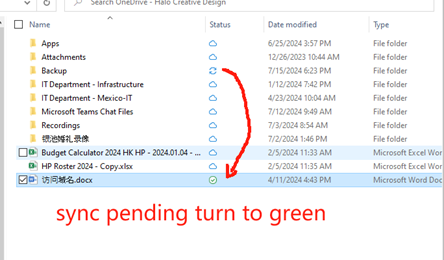
When syncing is complete
- Make sure all the files and folders that need to be moved are turned green in OneDrive folder.