1. First you have to login to Oracle system.
1.1. Then, to login to the webservice address on the TEST environment, please click on the following link:
https://ehfv-test.fa.us6.oraclecloud.com/fscmService/StandardReceiptService?WSDL
1.2. And for the PROD environment go to the following link:
https://ehfv.fa.us6.oraclecloud.com/fscmService/StandardReceiptService?WSDL
2. Description of Service Function Paramaters.
2.1 Collection batch Verification Interface Message
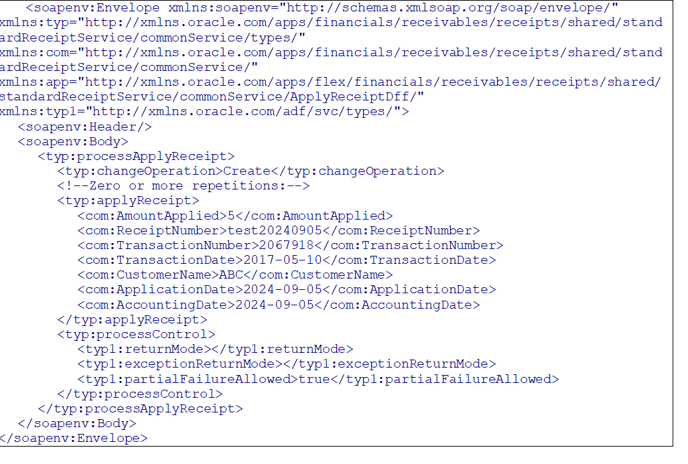
The below is a "Call Message" example:
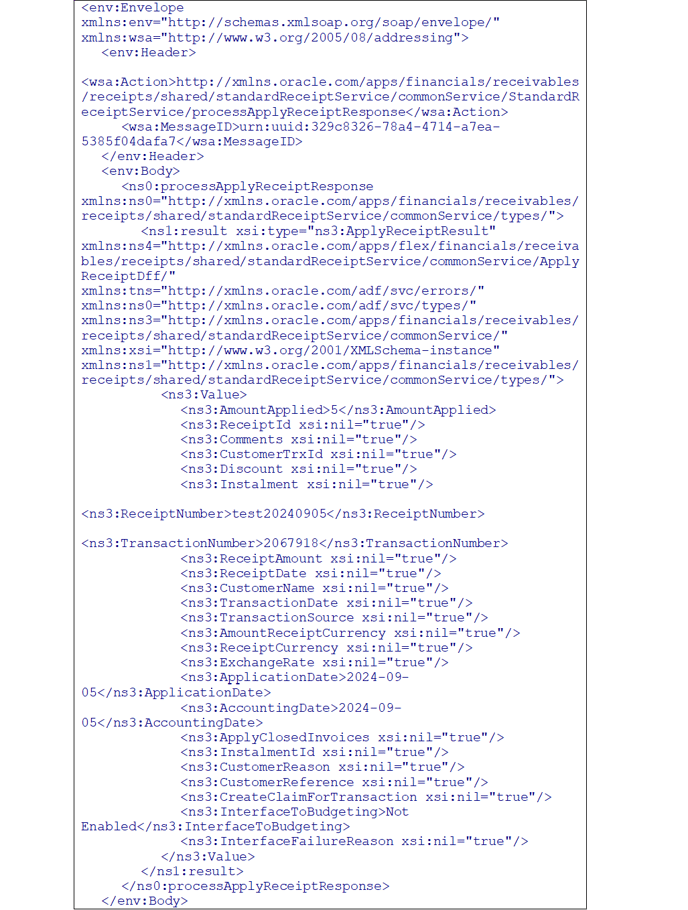
The below is a "Return Message" example: