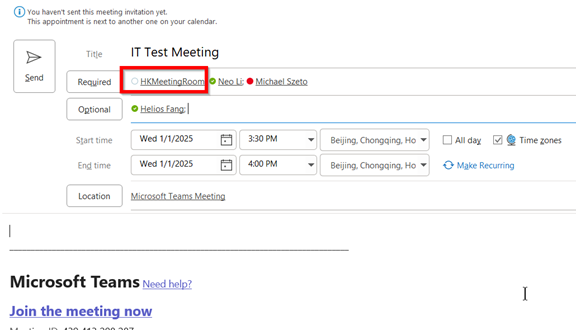
1, When you organize a Teams meeting, pls add the HK meeting room TV:
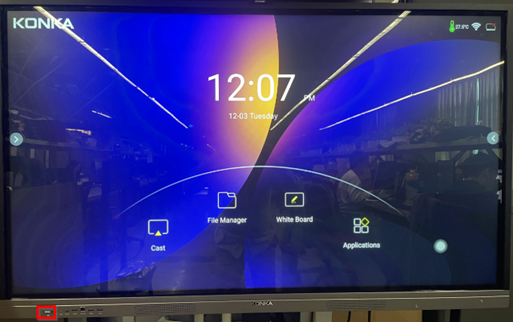
2, Start up HK meeting room Smart TV by pressing power button.
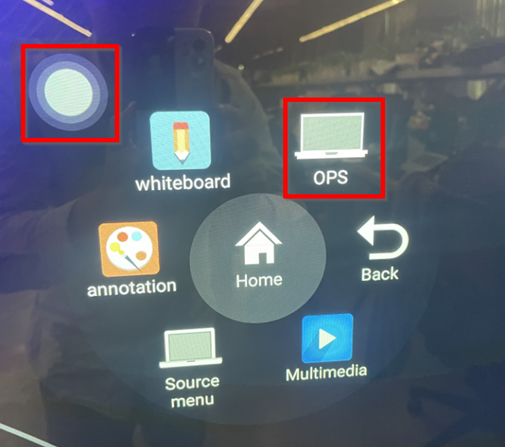
3, Choose OPS computer by hitting the menu.
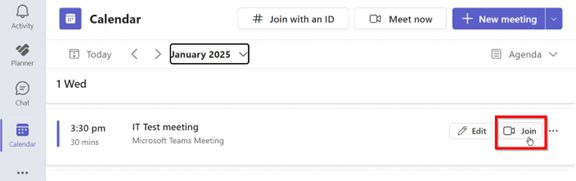
3, Startup Microsoft Teams Application and go to Calendar and Join the meeting.
4, On the meeting, you can share screen with your PC/Mac and Smart TV can display your screen shared. Smart TV camera also can do live video call with your team.