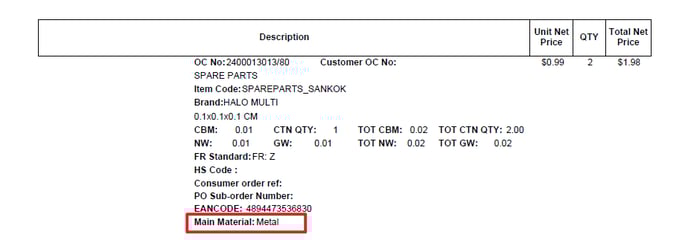
T-code: ZSD048
Fiori group: Sales order
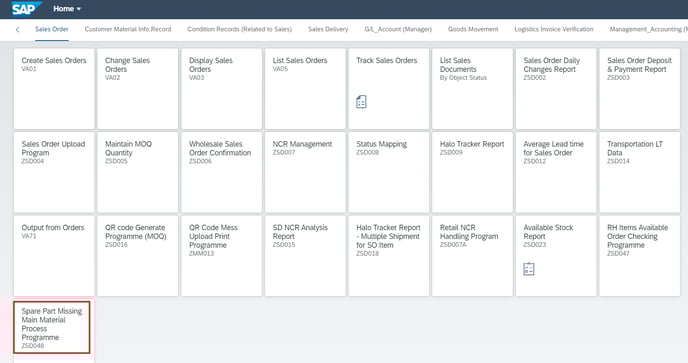
Step 1: Get spare part missing main material report
Background job:
Every Firsday, background job "ZJ_SPARE_PART_MAIN_MATERIAL" will send out the report to related AM teammates.
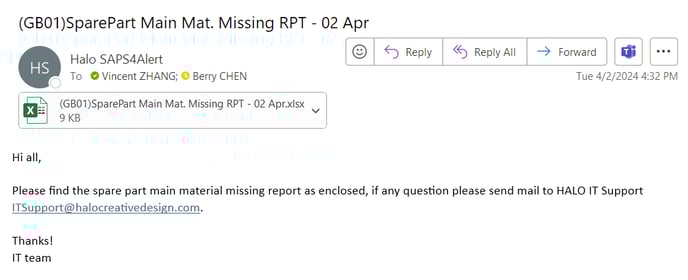
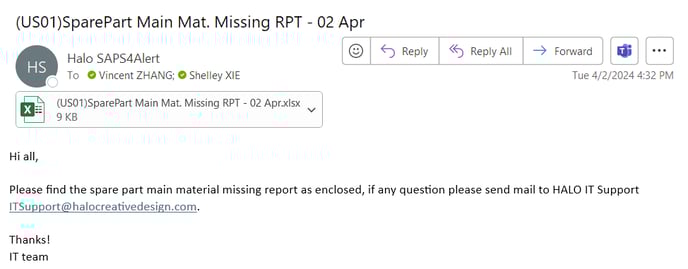
Download from Forntend.
You can download the report in the forntend.
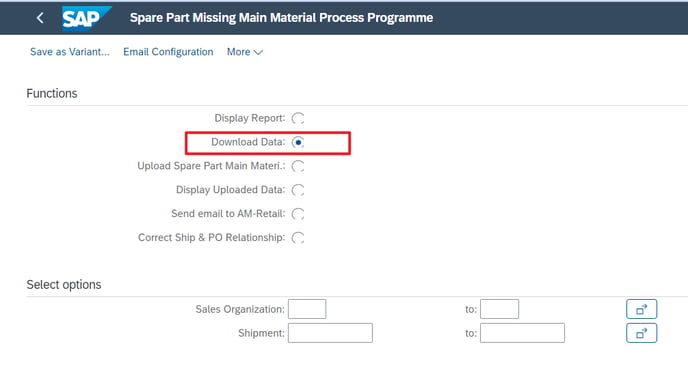
Select the function "Download Data"
Fill the conditions values of "Sales Organization" or "Shipment" in bar "Select options".
Press execute button and choose the file path you want to save the report.
Report example:
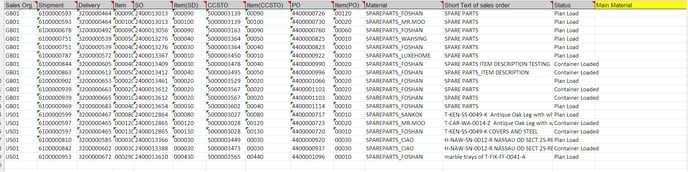
Step 2: Fill the missing main material information in the report
AM teammates need to fill the missing main material information in the report after confirmed with retial teammates. If there are more than one main material for the spare part, please use comma as separator. For example: "Meta, Plastic"

Step 3 Upload spare part main material
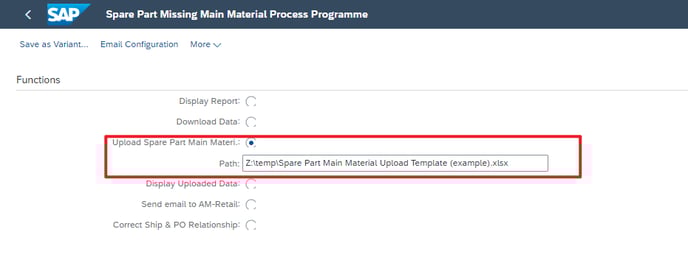
Select function "Upload Spare Part Main Material" and choose the upload template. Then press "Execute" button.

Now, for this shipment line, missing main material information has been supplied. When printing commerical invoice & packing list, program will printout the main material information which you uploaded.