1. Login SAP Administrator account with GUI mode:
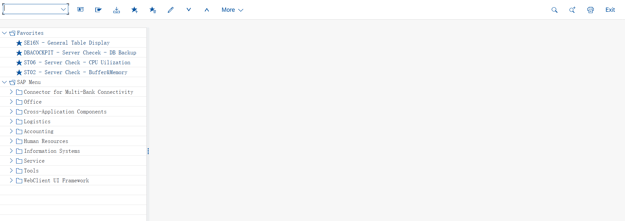
2. Run the T code: su01
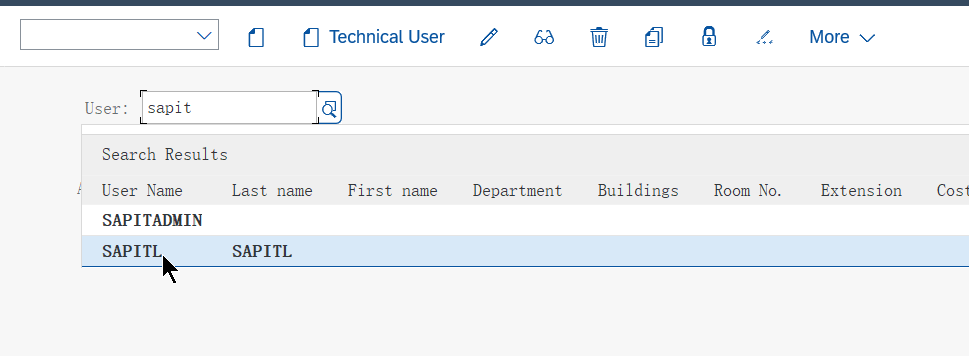
3. Search the Account you want to reset pwd, press enter key.
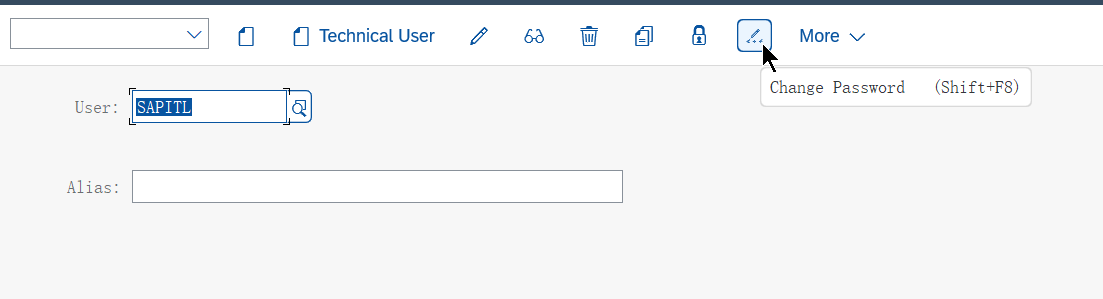
4. Click on the locker icon and choose 'Change Password' option, then input a new pwd:
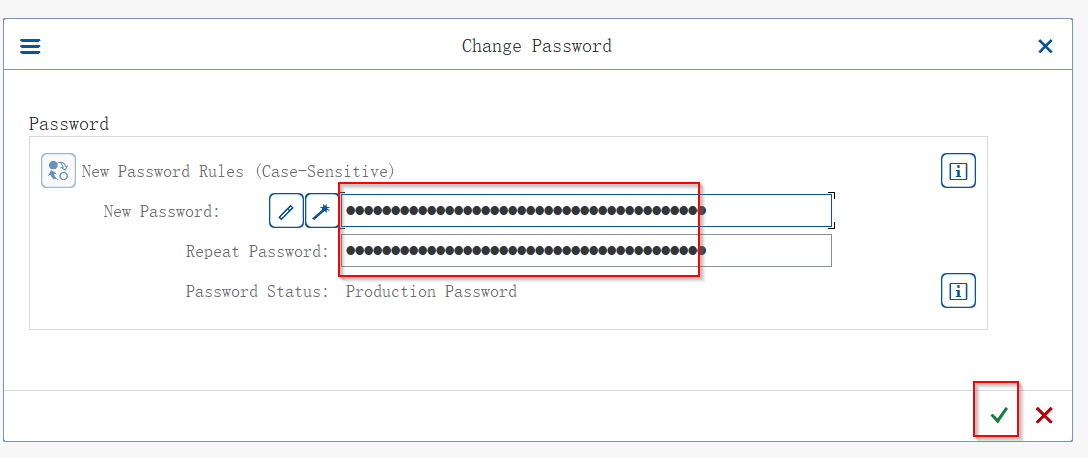
5. Click on the Tick  and quit SAP.