Step 1: Go to App "Ione Legcey Order Printout"
You can search keyword "ZSD055" in the search box and click.

(Noted: If you can't find the app, it should be you have no authority, please raise the ticket to ITSupport )
Step 2: Select the Ione Legcey order and print
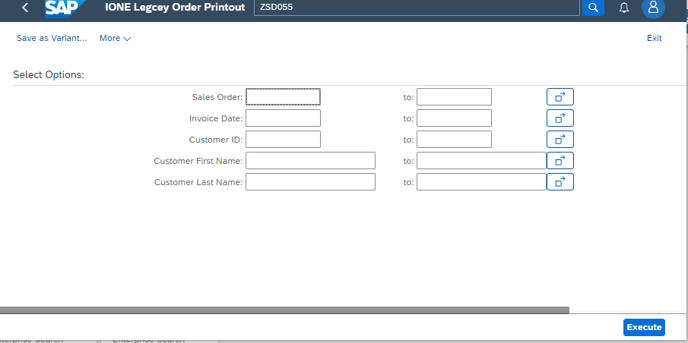
You can search by sales order, invoice date, customer ID, customer first name or customer last name.
For example:
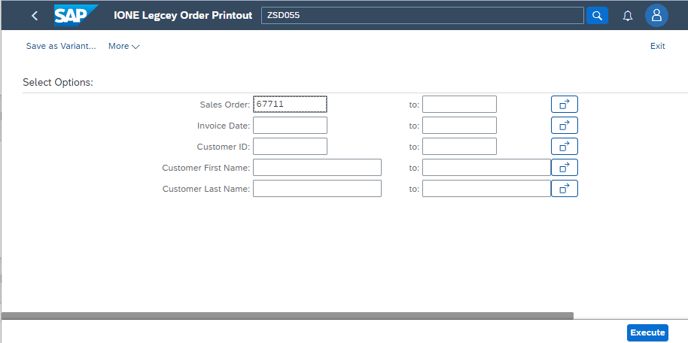
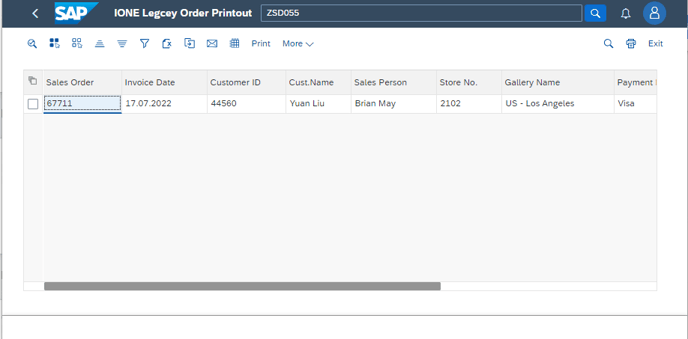
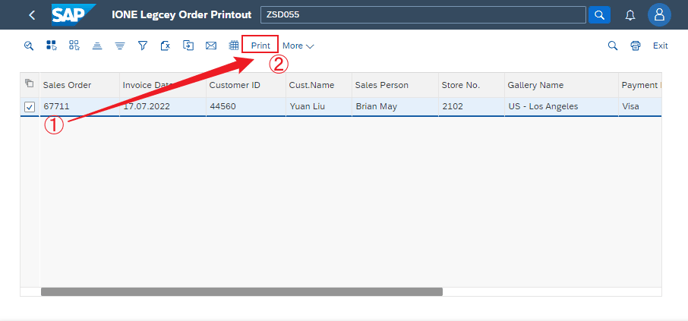
Then select the record and press button "Print"
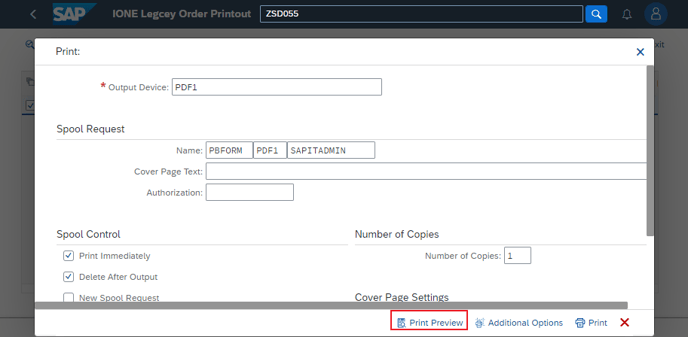
Select your printer and click button "Printer".
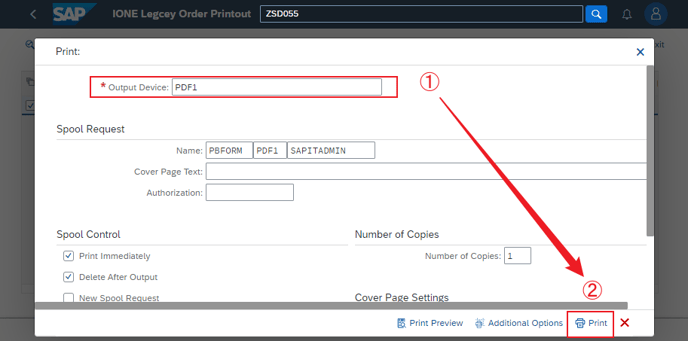
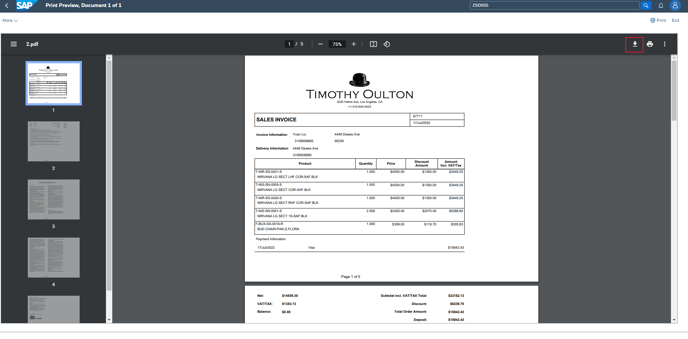
Or you can dowload the pdf from print preview.