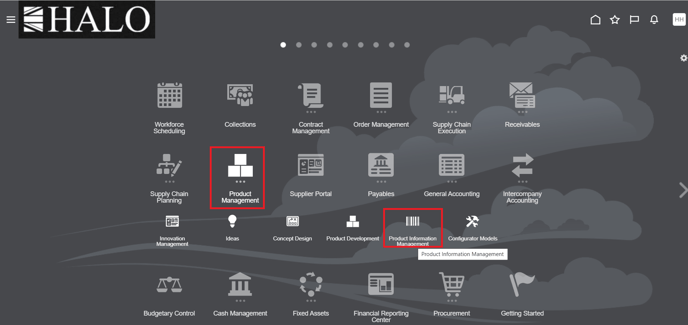
1. Go to Product Management -> Product Information Management
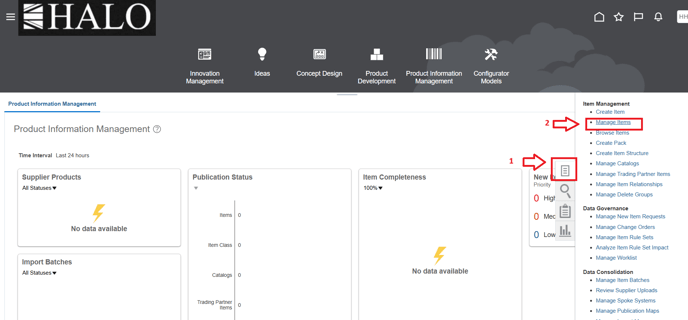
2. Click on tasks icon and then on "Manage Items".
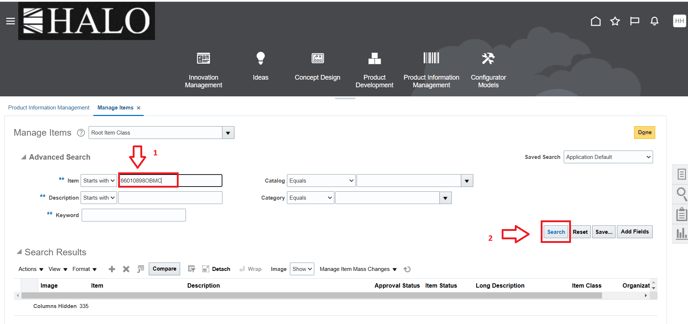
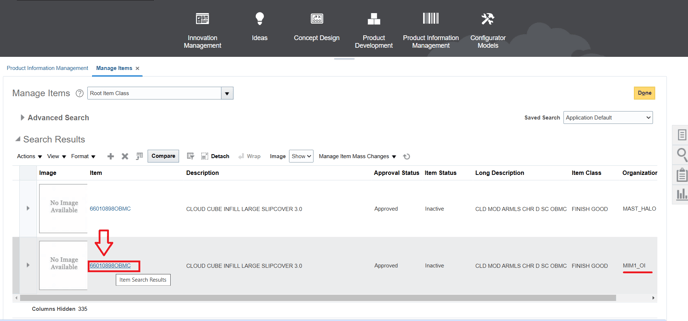
3. After that input item code and click on "Search".
4. Select the item in the organization needed.
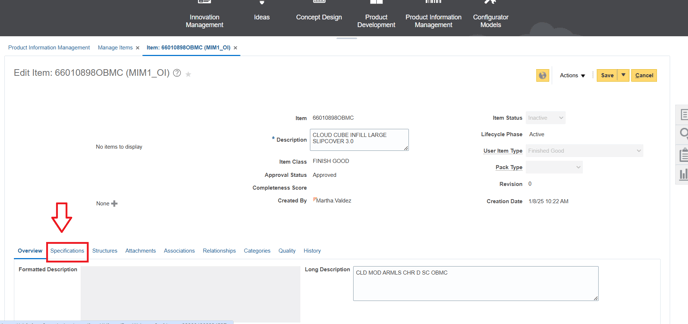
5. Scroll down and go to "Specifications" tab.
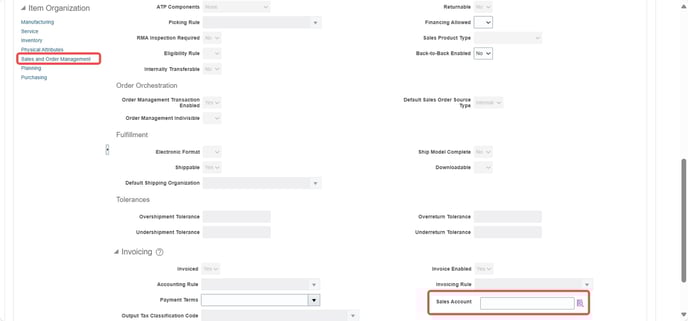
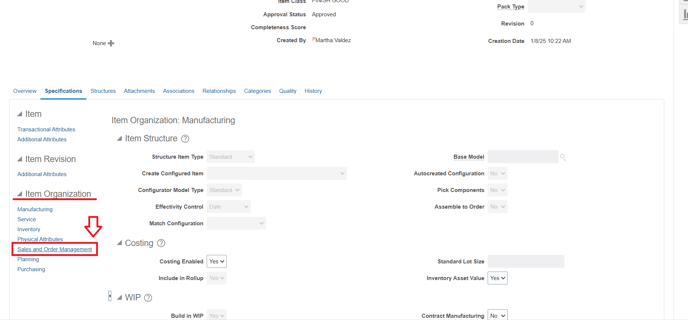
6. Scroll down again and in the "Item Organization" section click on "Sales and Order Management"
7. Scroll down again and if "Sales Account" field is empty so click on the icon on the right to maintain the account.