1, Connect the cell phone to HALO VPN network. Login Android Browser, such as Huawei APP browser, Xiaomi APP browser. Goto Google.com Search an App called F-Droid. You can also download the F-Droid from the link: https://f-droid.org/en/packages/org.fdroid.fdroid/
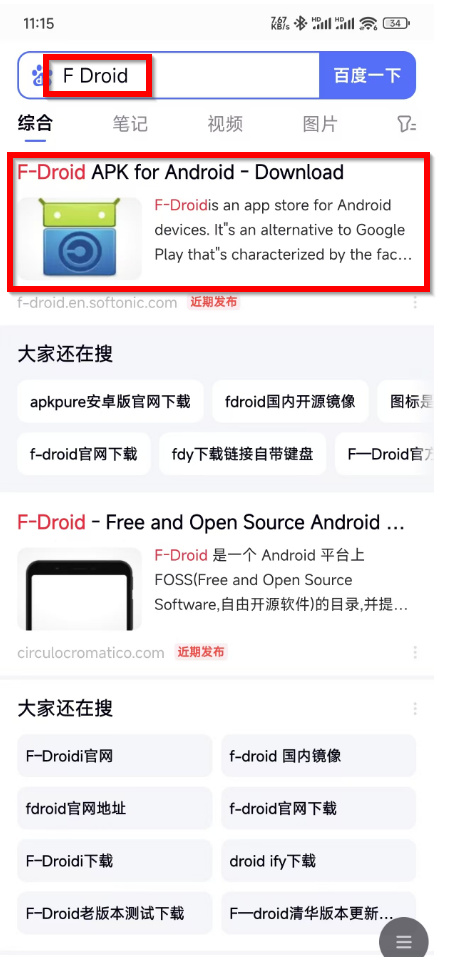
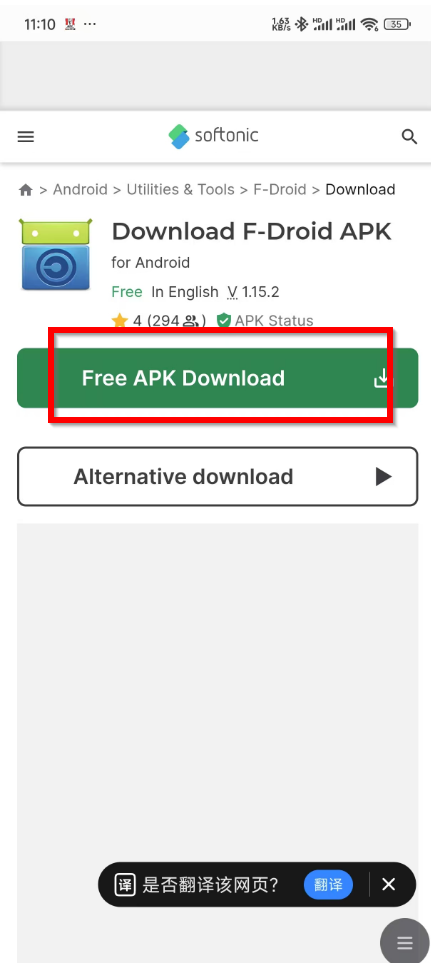
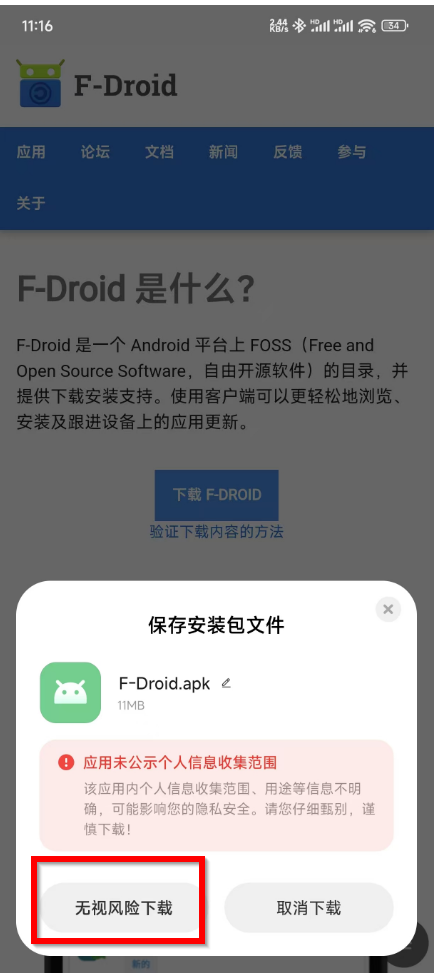
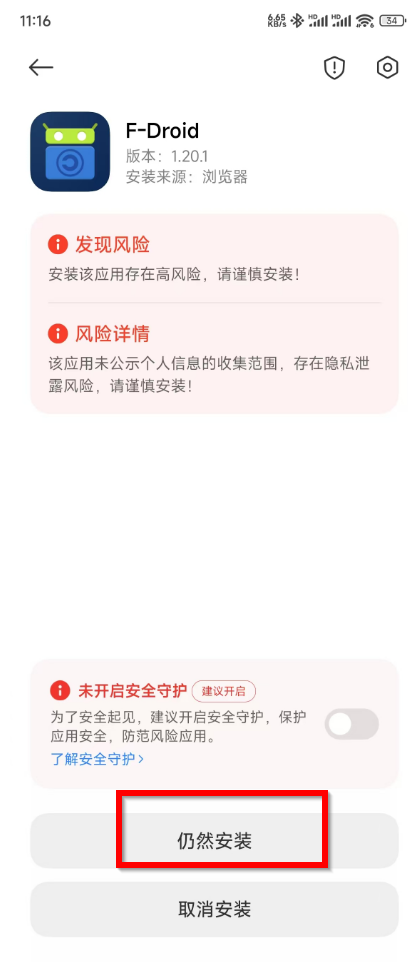
2. Download the F-Droid, and install it. Skip all the warnings.
3, Start the APP F-Droid and load a sec then search the APP Aurora.
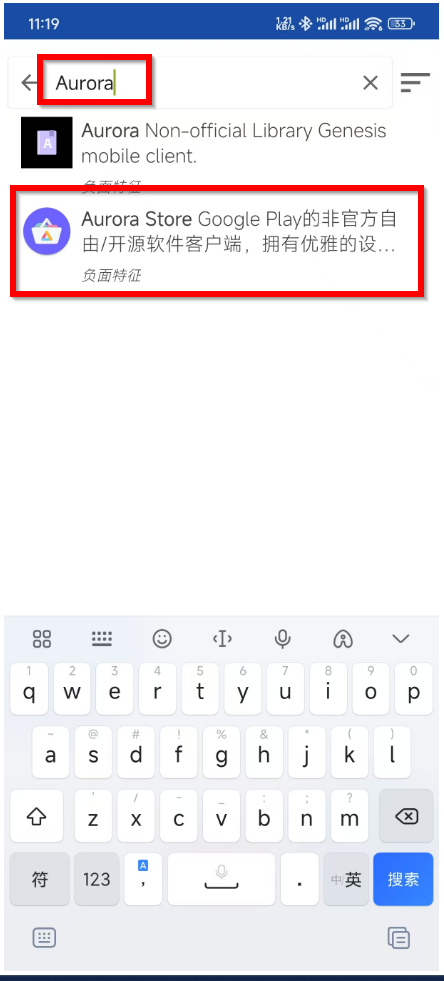
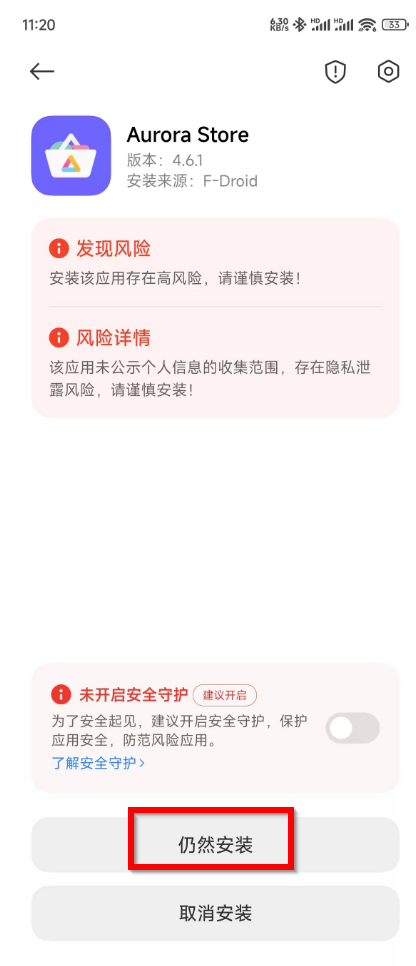
4, Install Aurora and skip the warnings also.
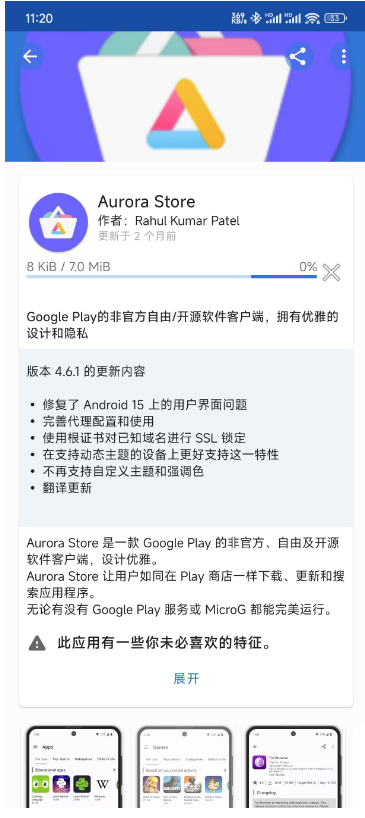
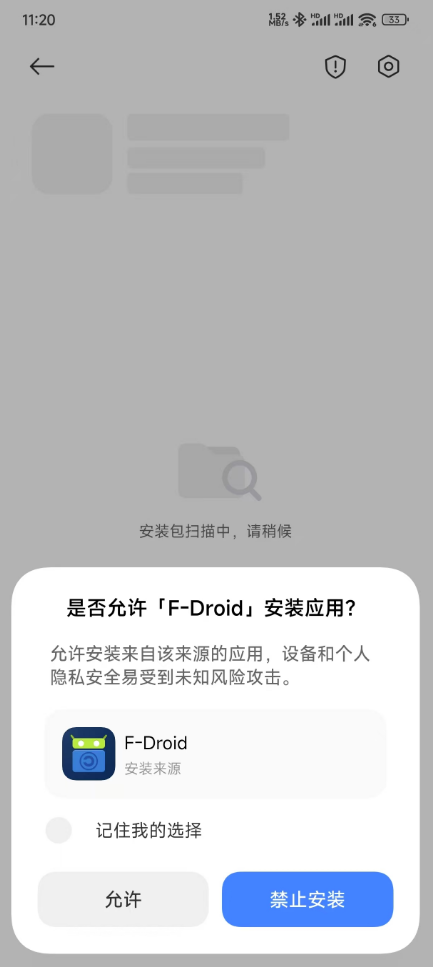
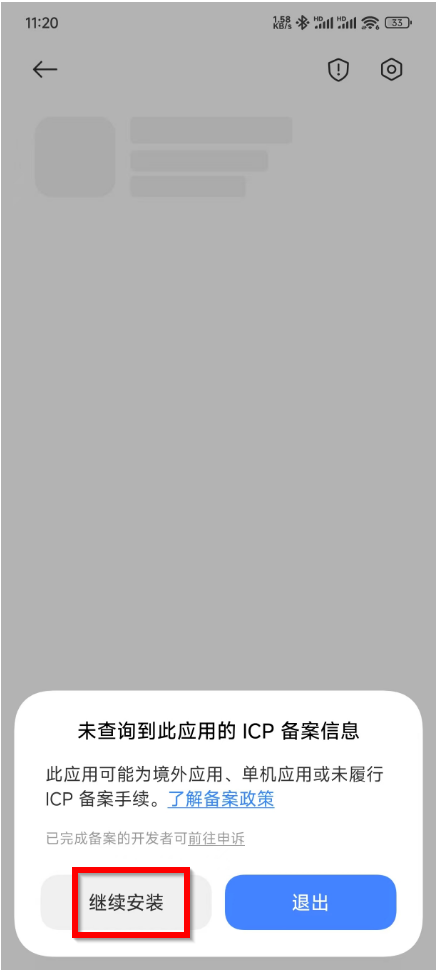
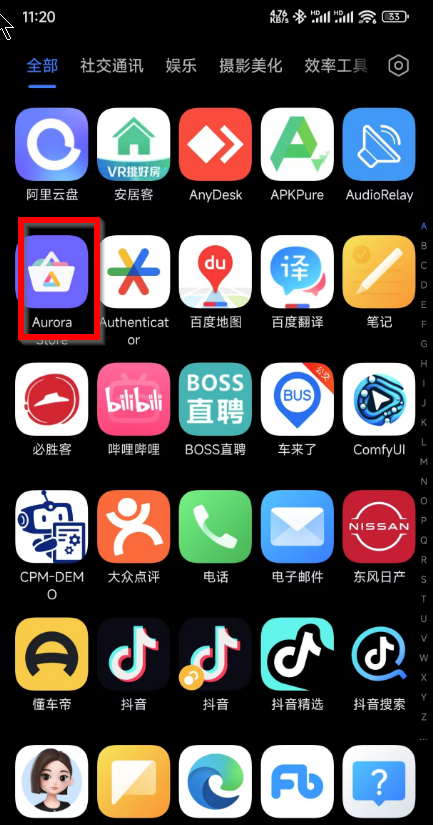
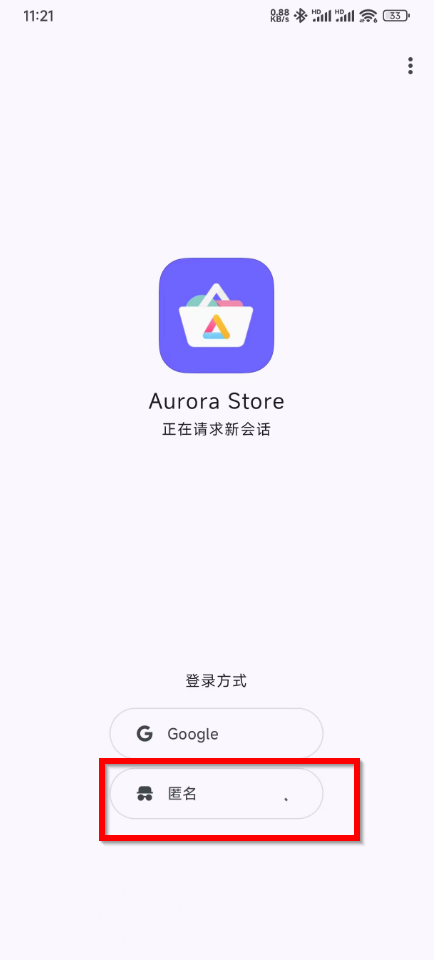
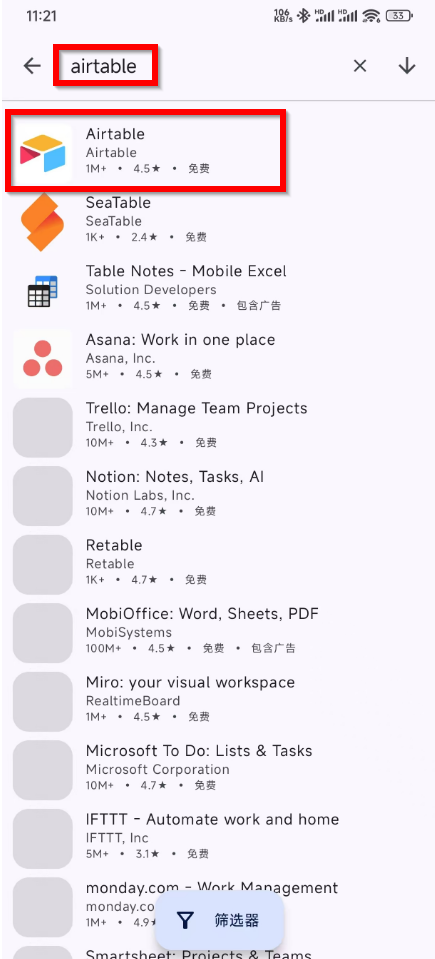
5, Startup APP Aurora and search AIRTABLE in it, and then install the Airtable as usual.
6, Done the installations.