|
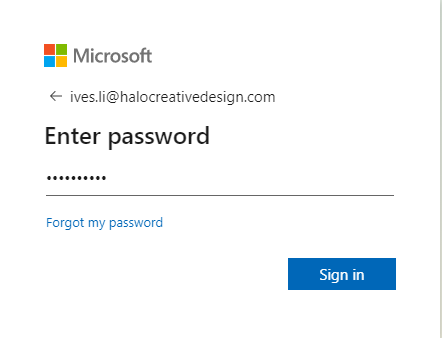
1. Go to https://admin.microsoft.com/, then sign in M365 admin center with an administrator account.
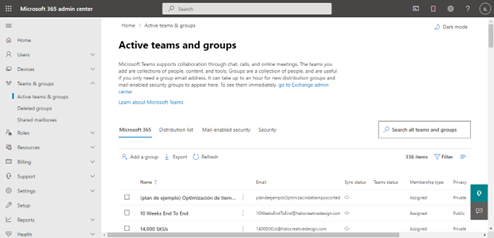
2. What we need is to go to the ‘Teams & Groups’, then click ‘Active teams & groups’.
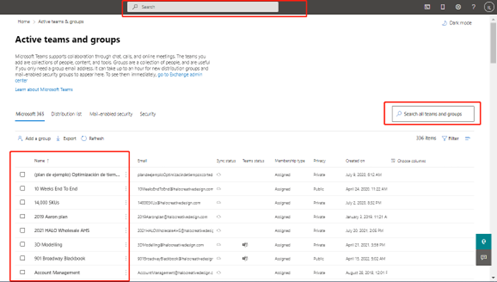
3. Select from the below list or search all teams.
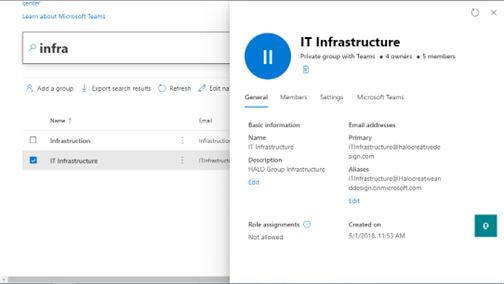
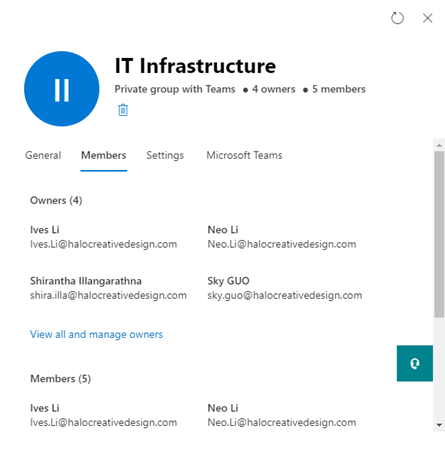
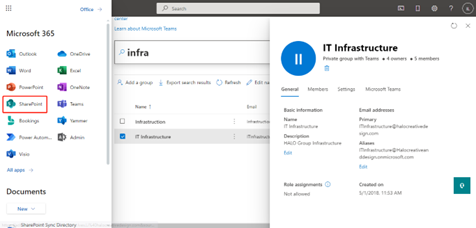
4. Take groups ‘IT Infrastructure’ for example if someone wants to have a permission to access its file. First, input the group name to search. Click the result we search and pop up a window with more details of this group.
5. In the pop-up window, go to Members and you can see all owners or members of this group.
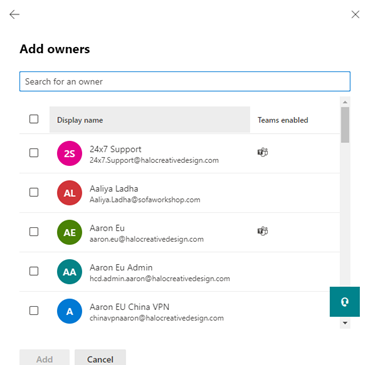
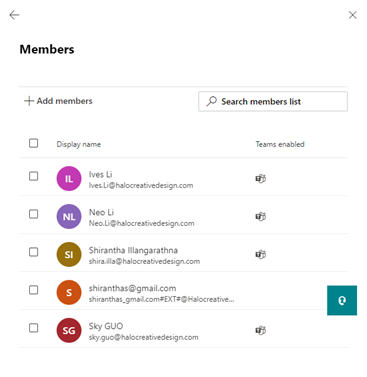
6. Click View all and manage owners and View all and manage Members, add owner or member according to the user request.
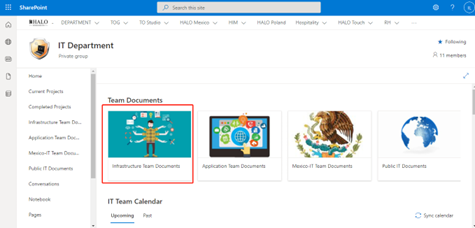
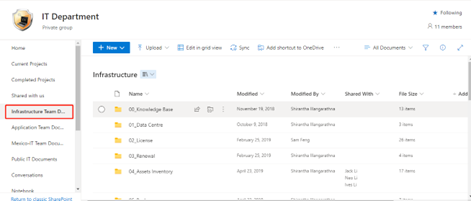
7. Check the Sharepoint to see if you have the permission to access the shared files after adding an owner or member.
8. Access is granted and you can view the files in this group.
END |