Step 1
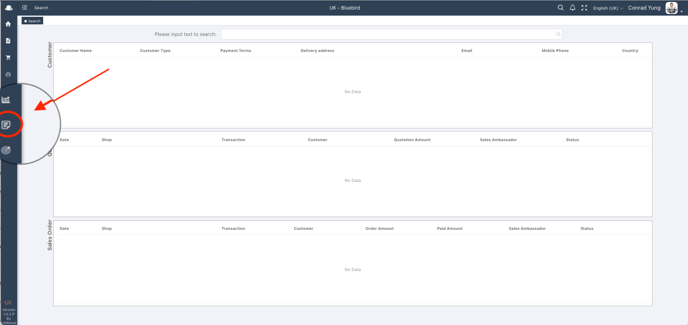
Login into your UX standard user interface, and move cursor to report
Step 2
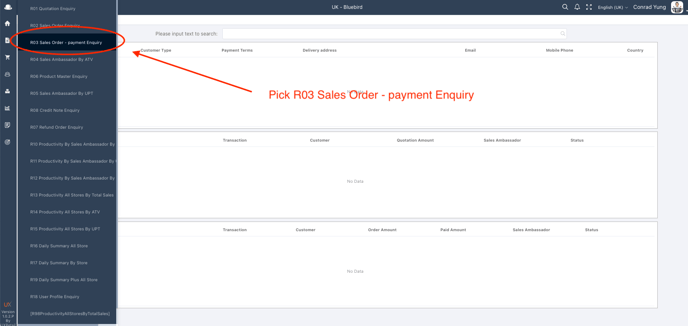
Select "R03 Sales Order - Payment Enquiry"
Step 3
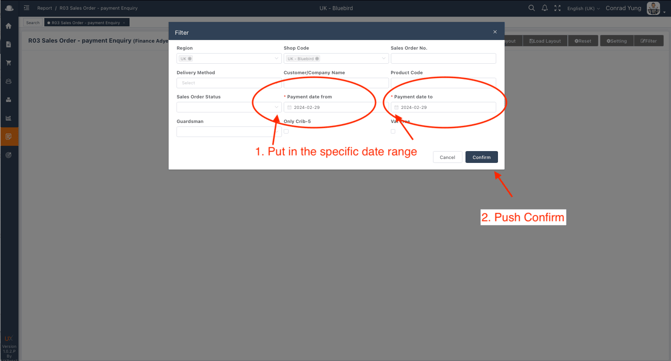
Put in the specific date range and press Confirm
Step 4
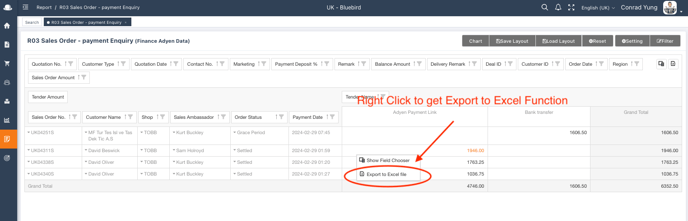
Report ready on screen for export

Step 5
Right Click and Export to Excel to your computer