1. Log in to system and go to Order Management -> Order Management
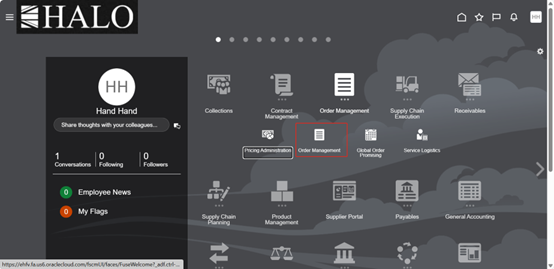
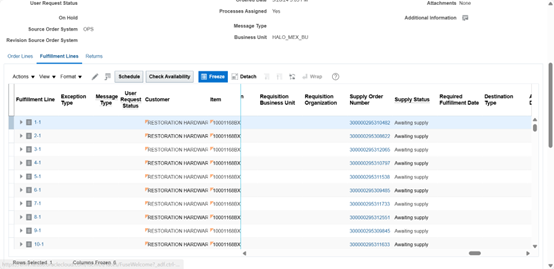
2. Select SO that is not generating WO:
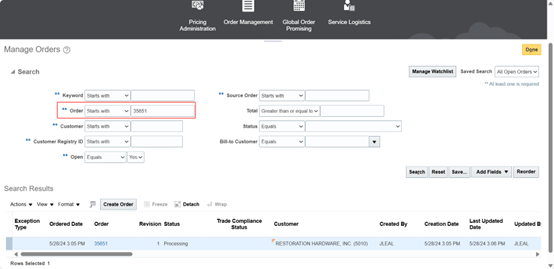
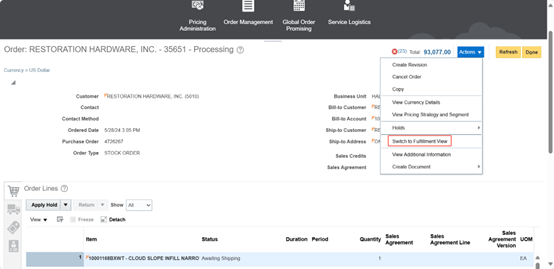
3. Now we are going to recover SO. For that click on "Actions" and select "Switch to Fulfillment View".
4. After that click again on "Actions " and now on "Recover Order".
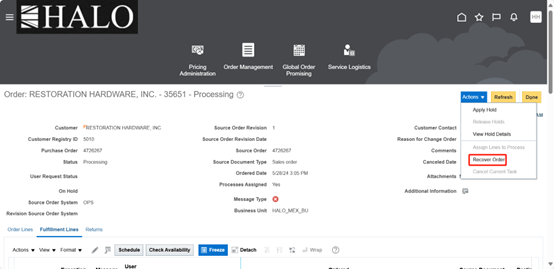
5. Request will start running. Wait until it is finished and sucessfully ran. Then re-check SO.
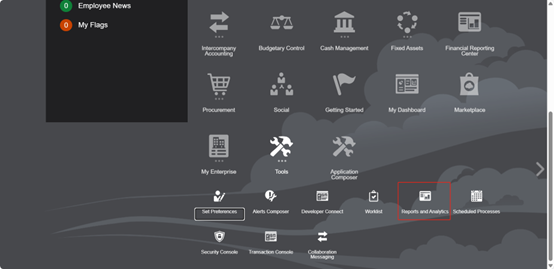
6. After that go back "Home" and now go to Tools -> Reports and Analytics
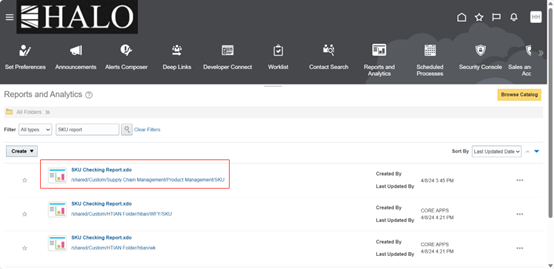
7. Open "SKU Checking Report".
8. Input SO item that is not generating WO and after that click on "Apply".
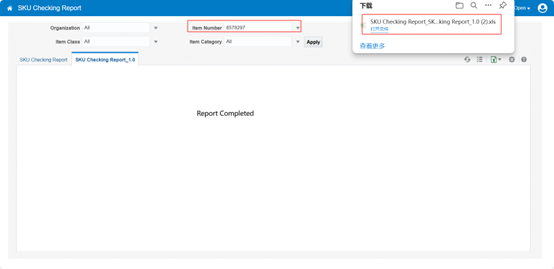
9. The next step is check item information: maintain and confirm all data information.
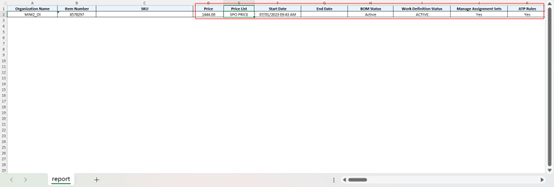
10. If not, You will have to maintain and create new revision. It also will be needed re-submit the SO.
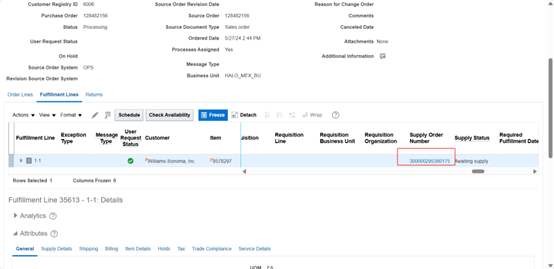
This manual comes from the following ticket:
XXHALO - PRODUCTION MASTER v2024" report missing WO. 29_05_2024
ID: 2775585443