1, Join into a planned Teams meeting and hit the 3 dots on the upper menu,
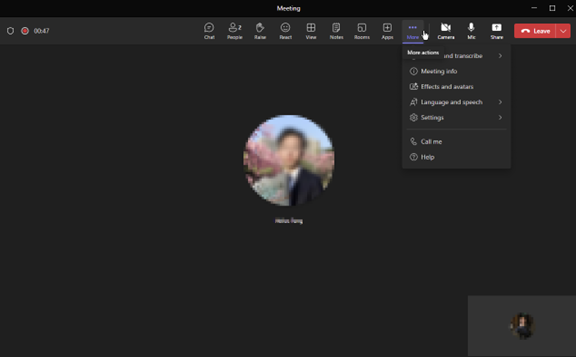
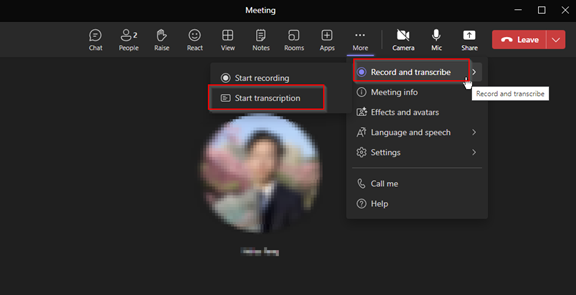
2, Choose Record and transcribe, and hit Start Transcription,
3, Choose your meeting speaking language and hit Confirm:

4, the meeting note will be prompted up on right side,

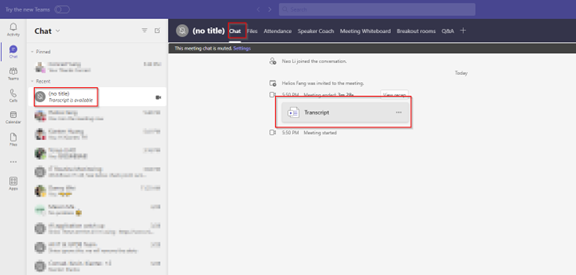
5, Once meeting ended up you can check out the meeting recap by going back to meeting Chat windows and download the recap as .docx file or .vtt file: