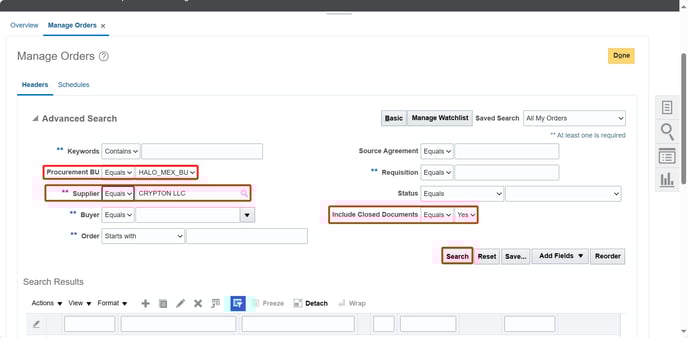
2. After that it will be showed the list of PO. Select PO required.
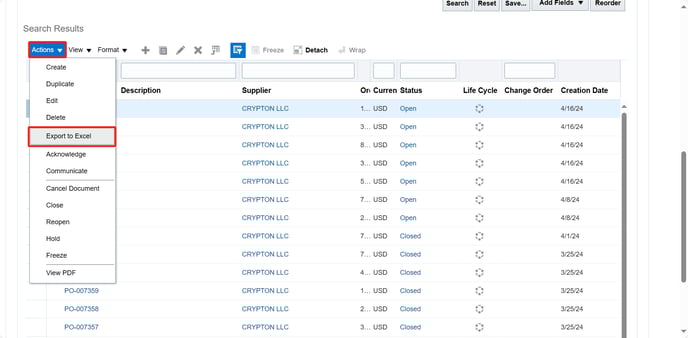
3. Then click on "Actions" and after that click on "Export to Excel".
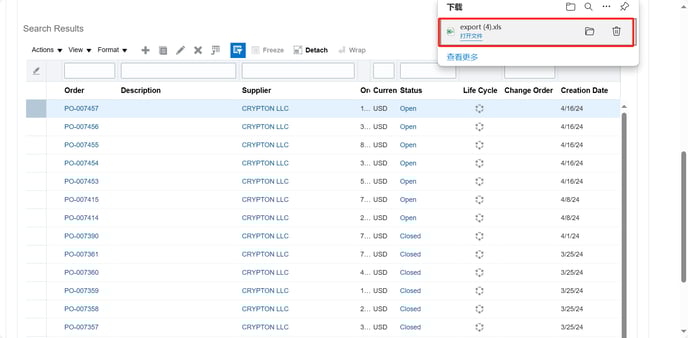
4. It will be downloaded Excel document. At this point you can finally click on it to open it.
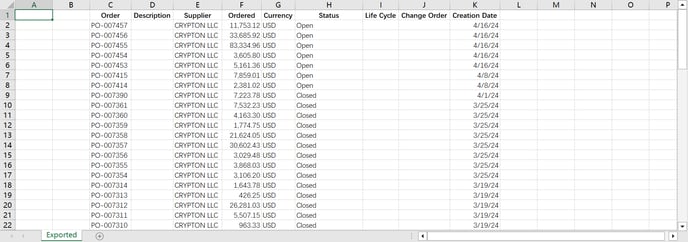
6. Below is PO information contained in the Excel document.