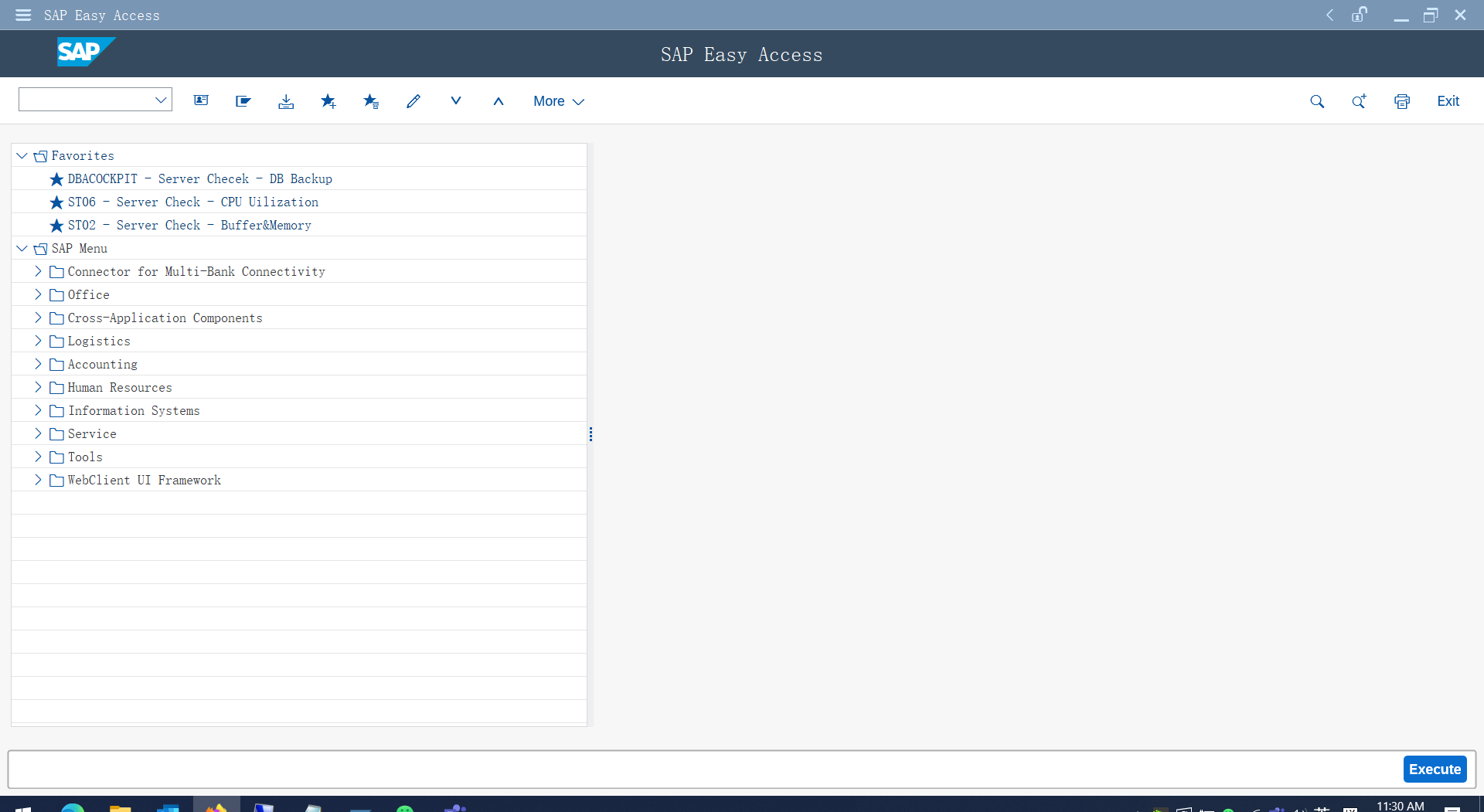
1, Logon SAP GUI client with administrative account:
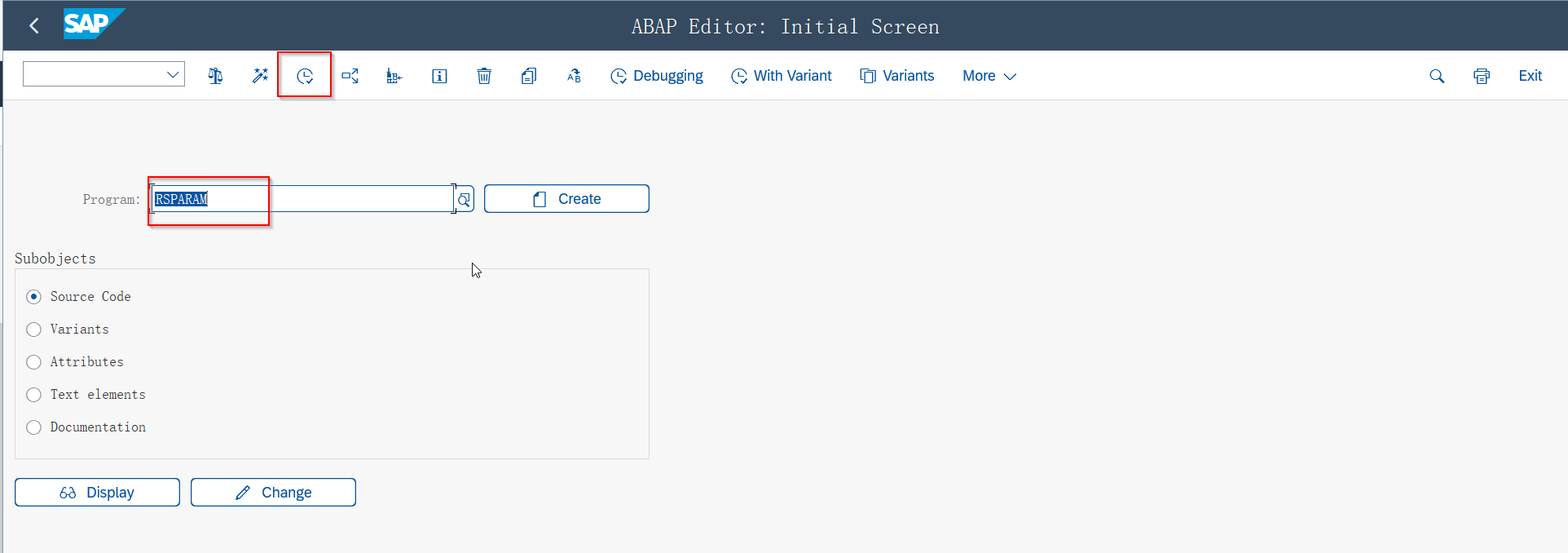
2, RUN the T code: se38 and search 'rsparam'
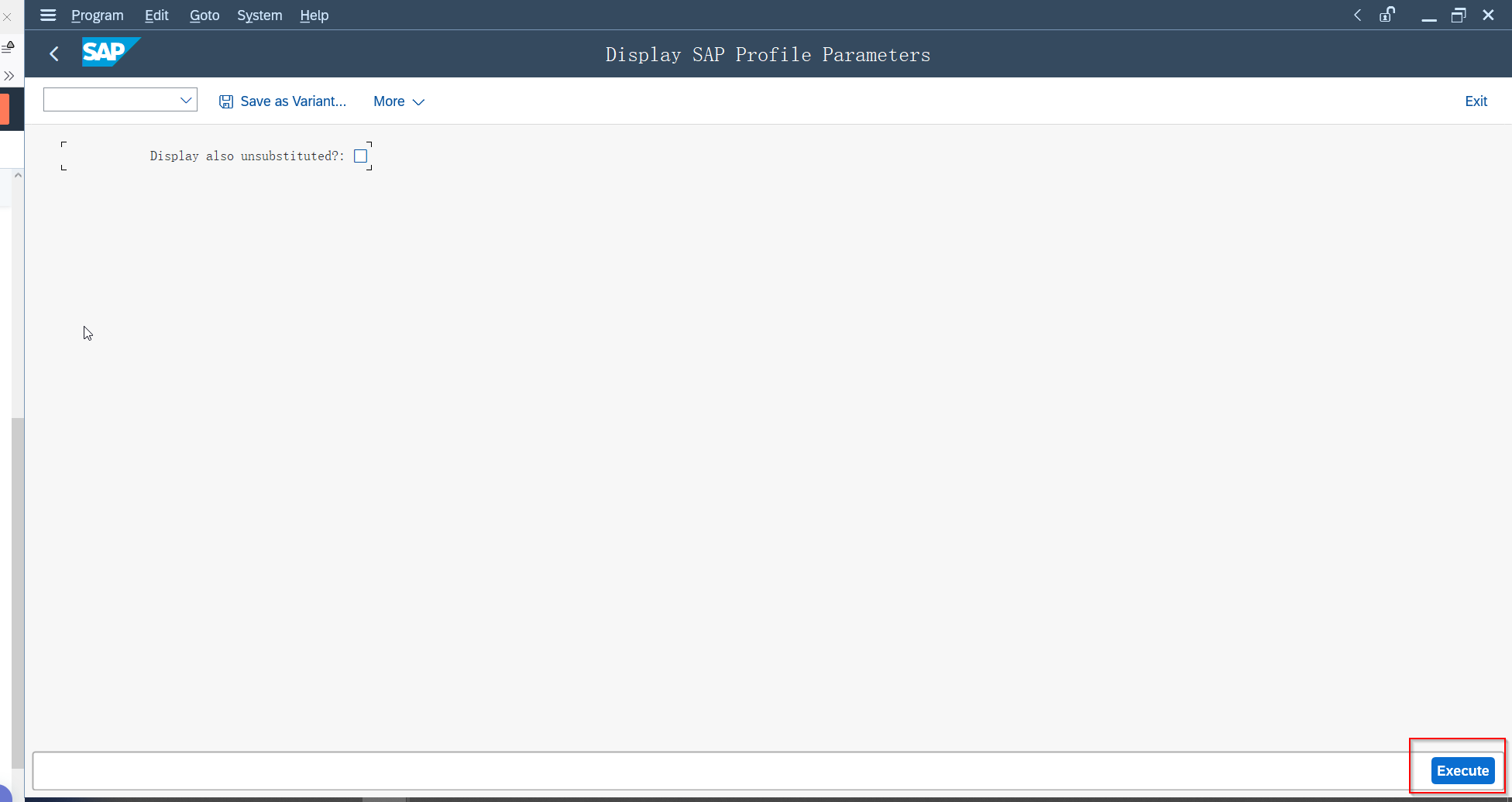
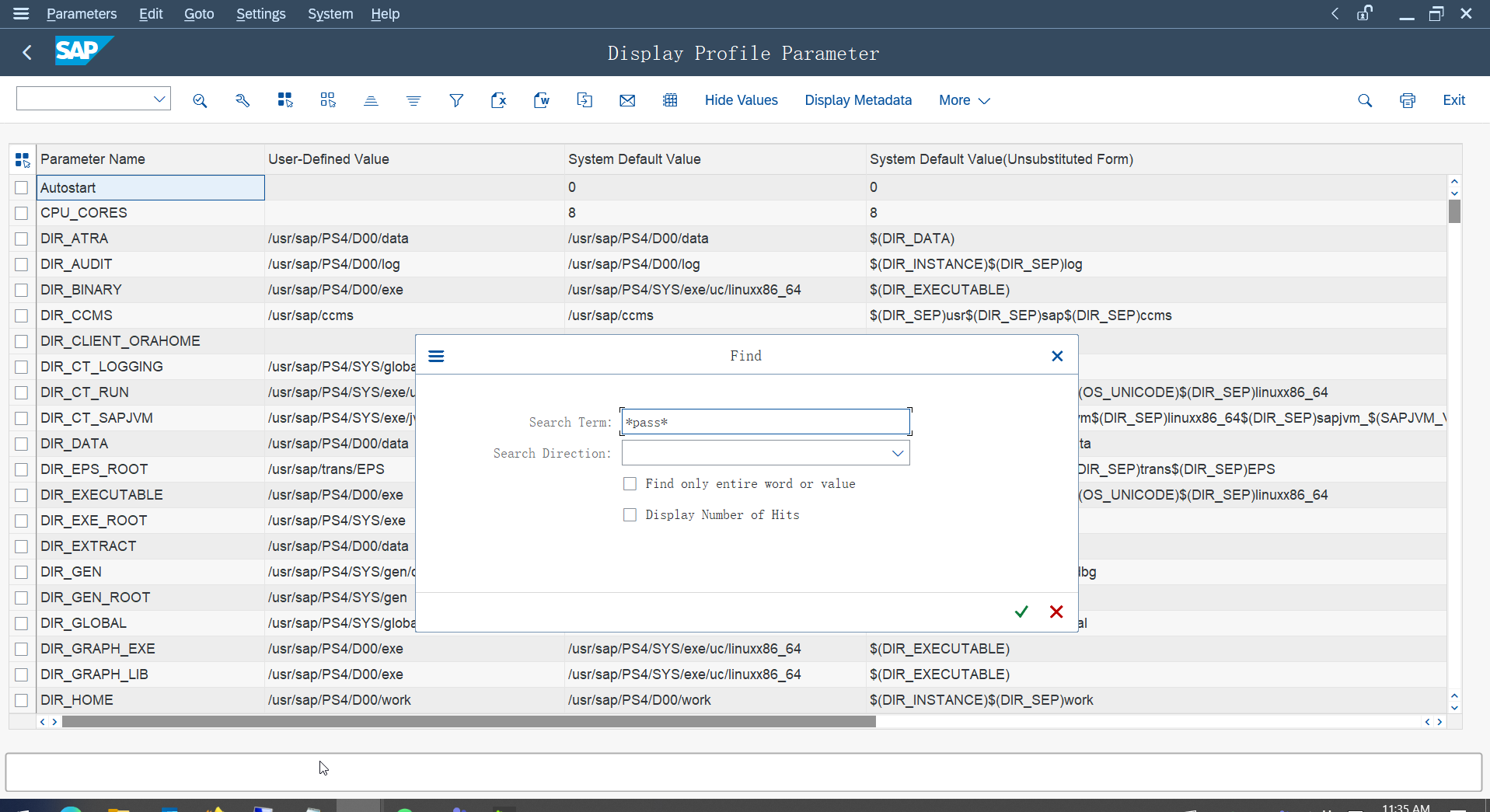
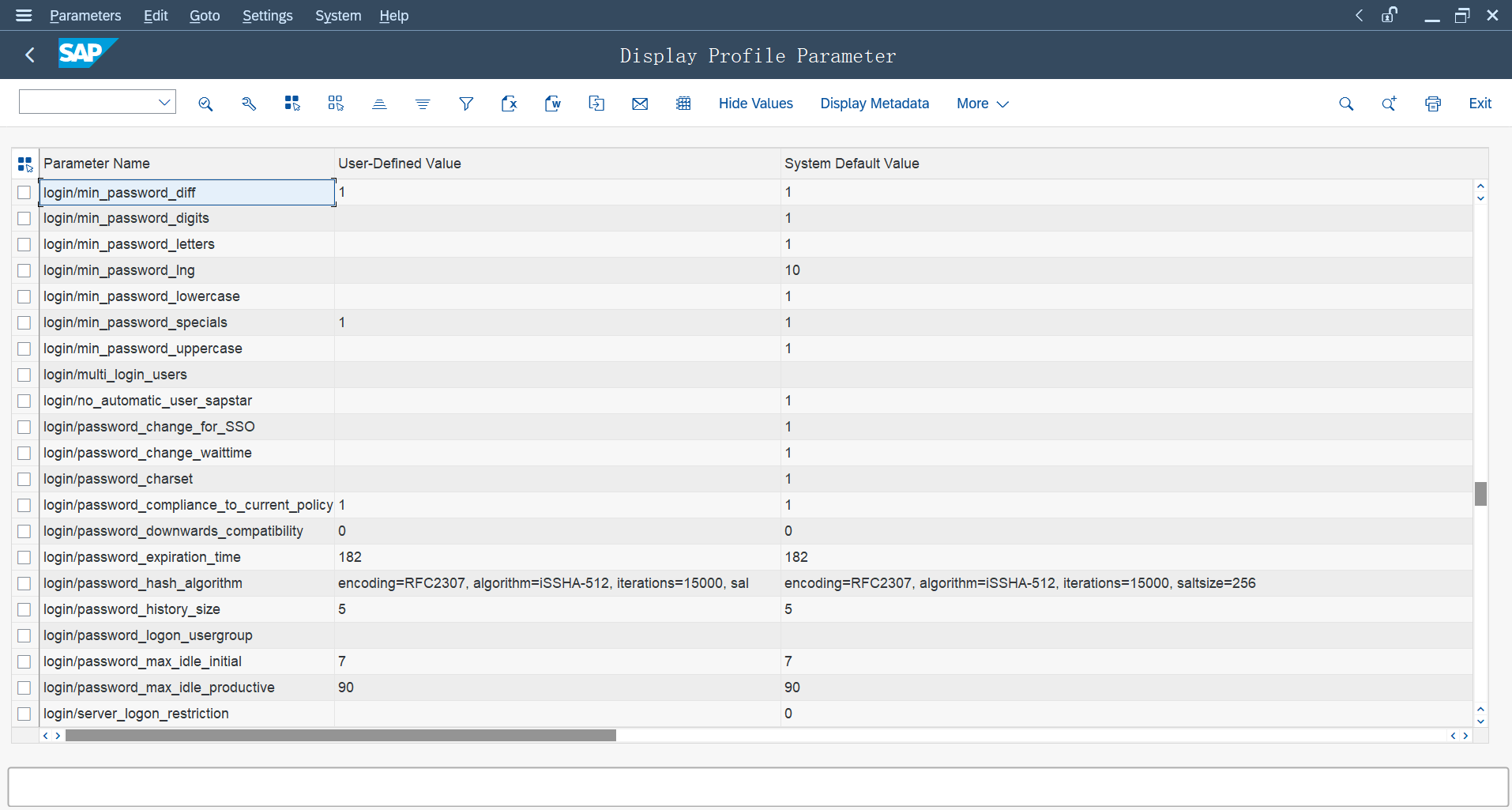
3, Filter the Parameter as *pass* and check the result:
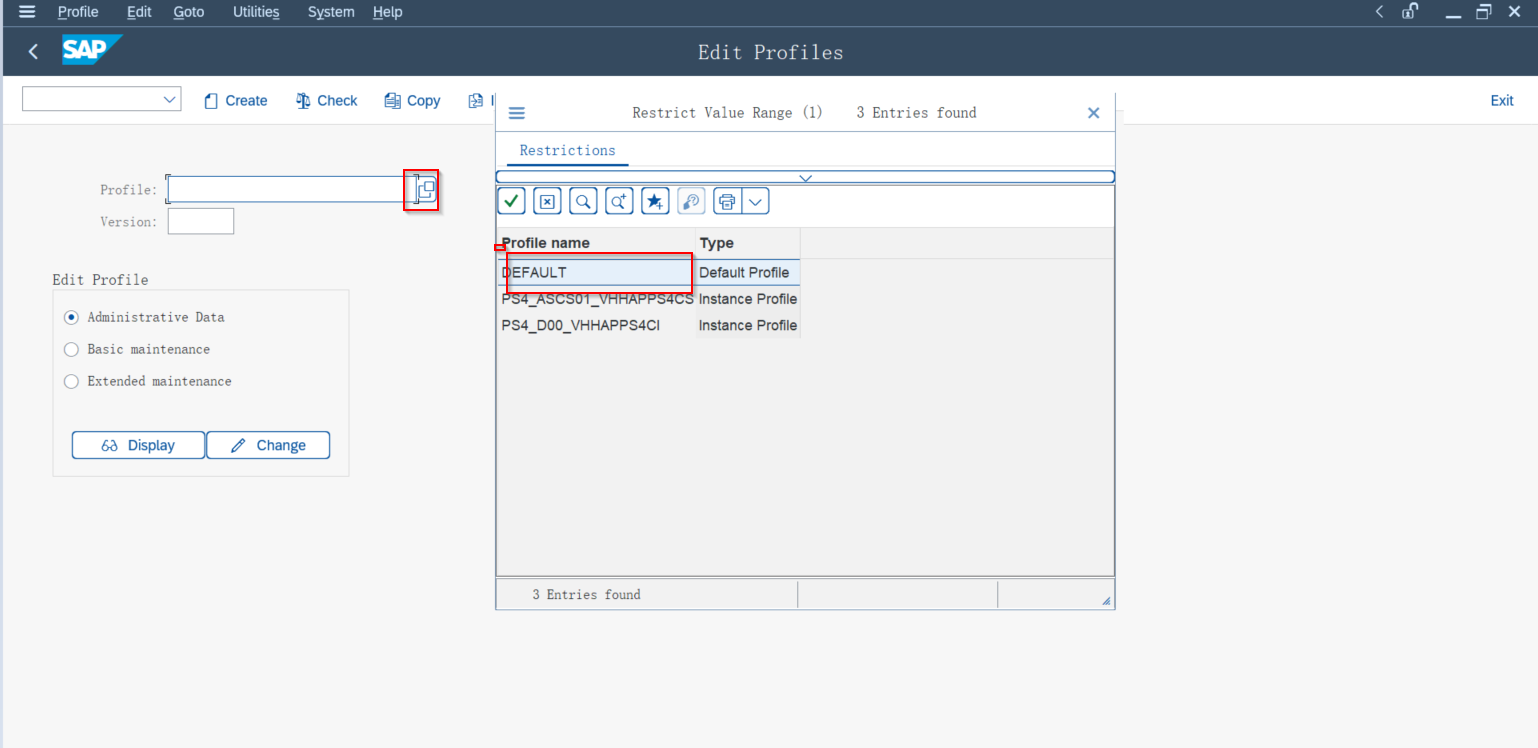
4, RUN the T code '/nrz10' to modify the parameter value:
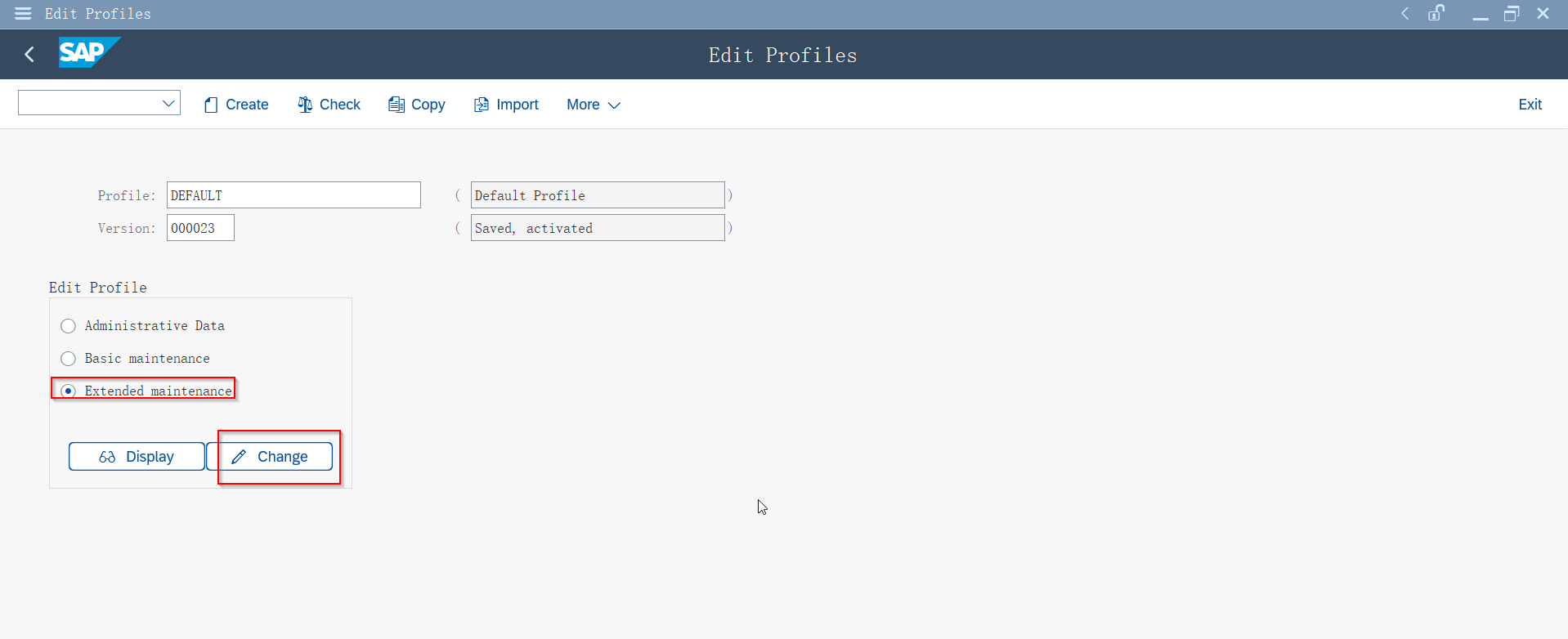
5, Locate to the items and double click to change the value to a specified days:
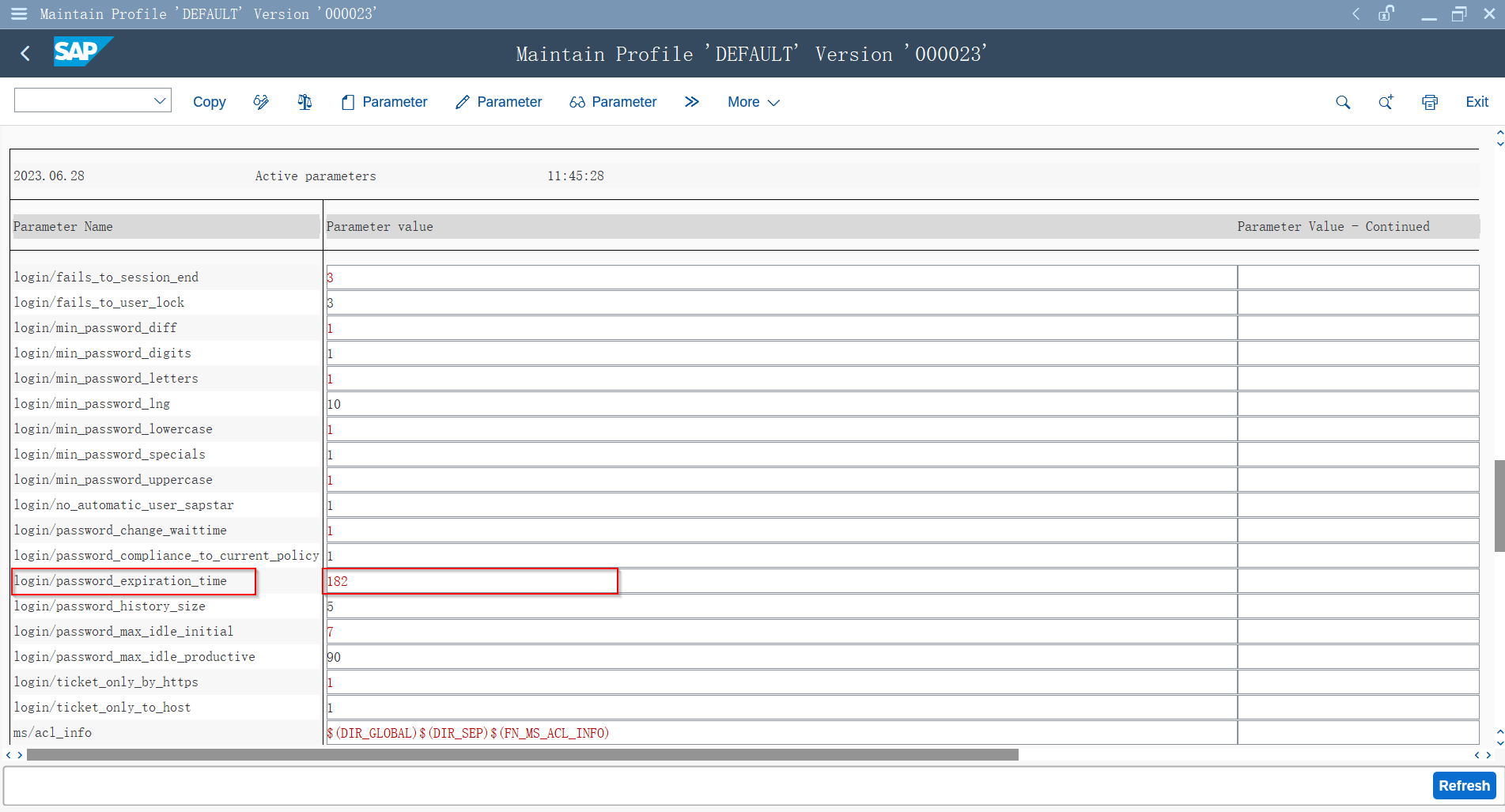
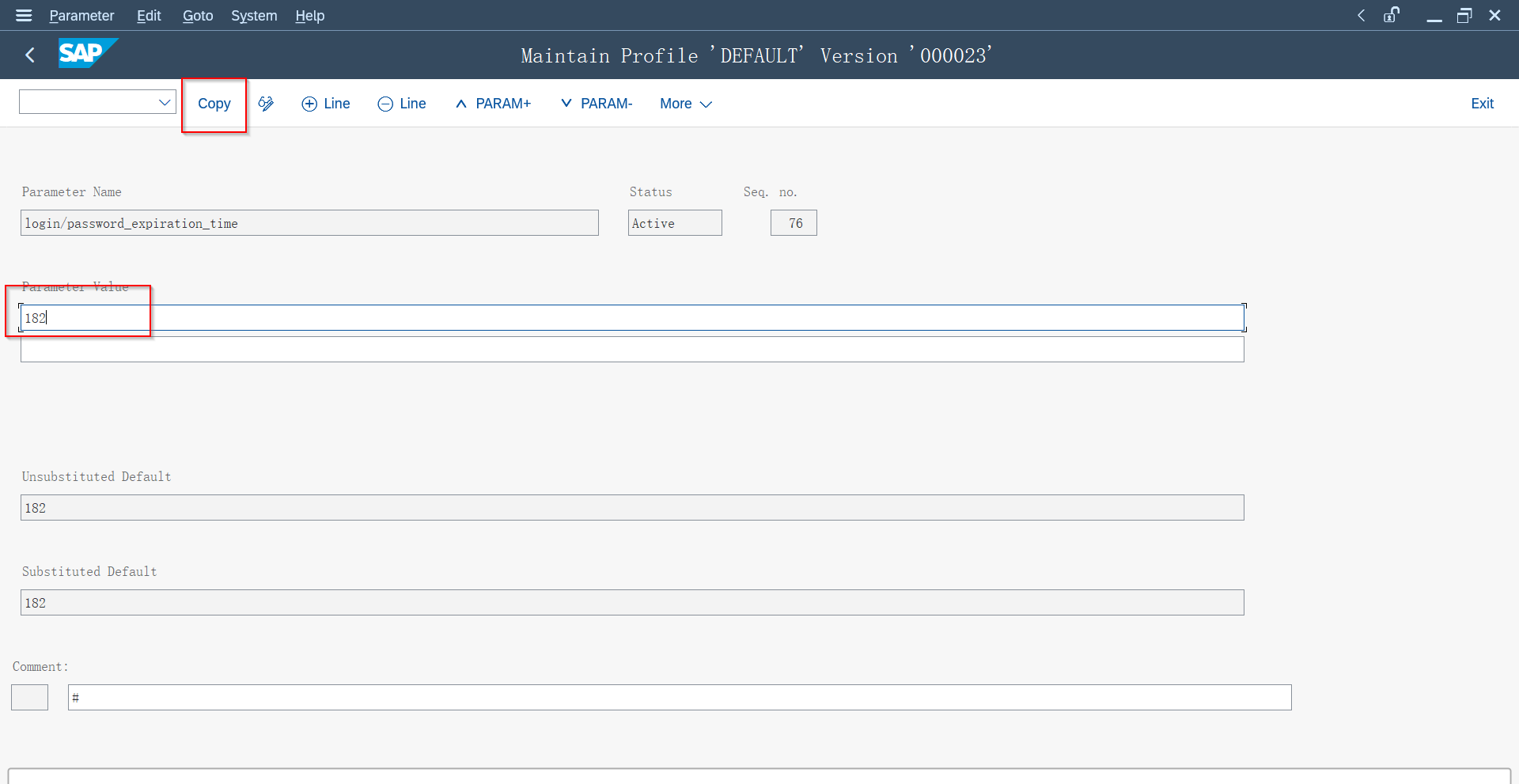
6, Save and quit the page.