MacBook password Change
- Click “System Preferences”.
2. Click “Users & Groups”.
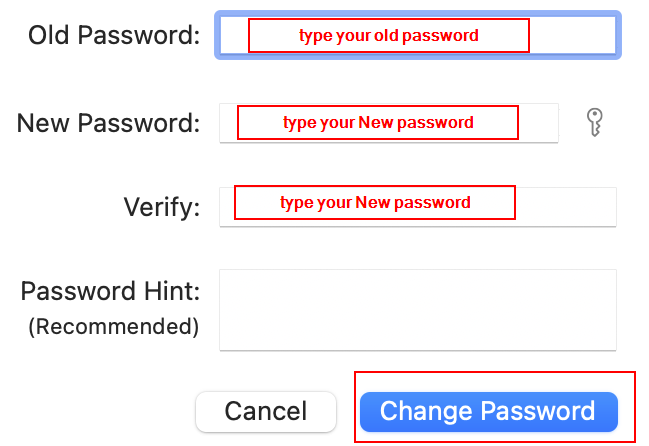
3. Choose your account and click “Change Password”.
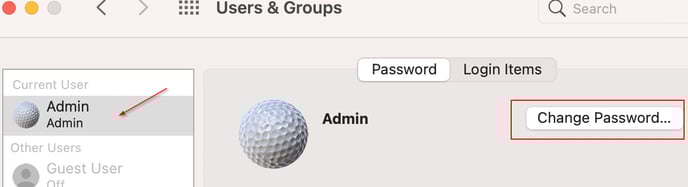
4. Type your new password (the stronger, the safer) and click “Change Password”.
Windows password Change
1, Under Log in screen, pressing Ctrl+Alt+Delete and call the menu,
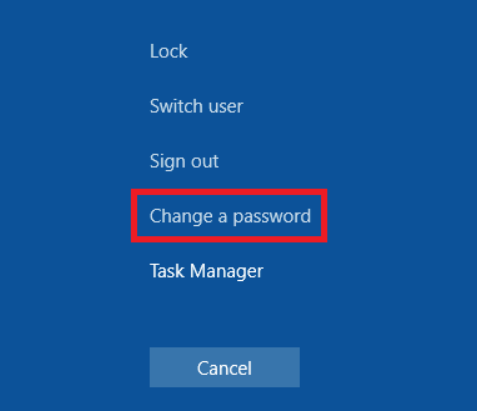
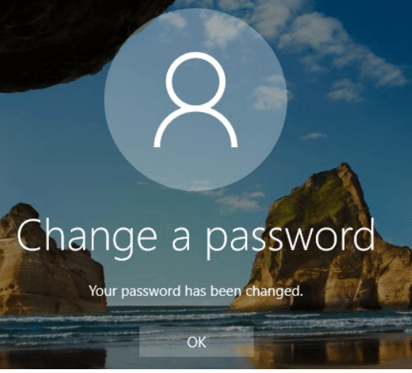
2, Choose Change a password. PS: new pwd must be 10 characters and cannot include your name, recommended to use: numbers + upper characters and low key characters+ special keys.
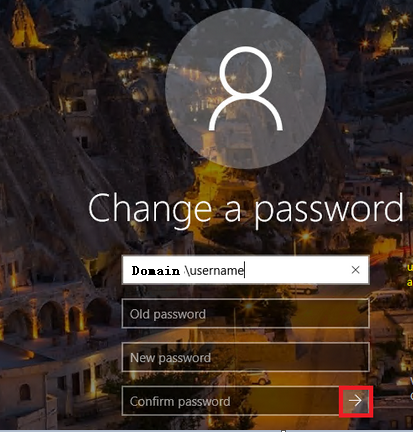
3. Press the button -> to take effect.