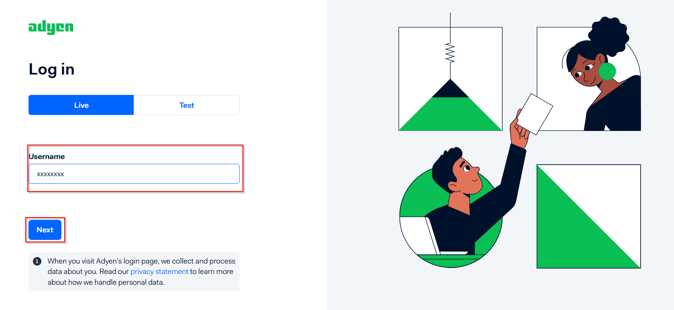
1, Access Adyen web site via URL: https://www.adyen.com and insert your account User Name and hit NEXT ,
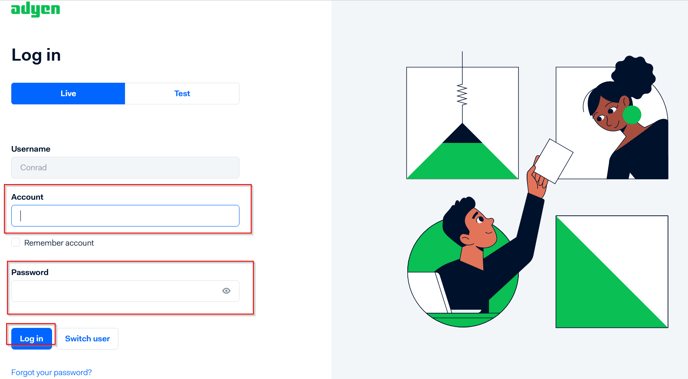
2, Input your account ID and PWD and then hit LOGIN,
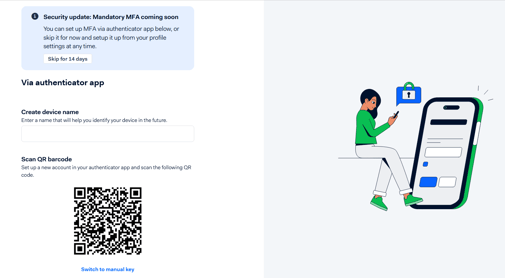
3, It will turn to a page asking to bundle an Application APP: MFA authentication app, as below screen,
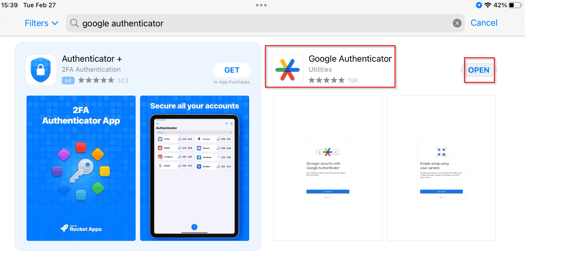
4, Go to iPad/iPhone APP store and search 'Google Authenticator',
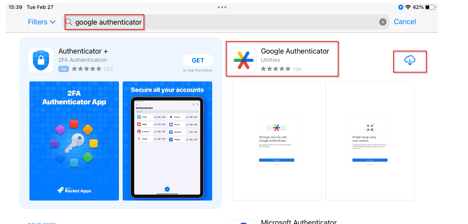
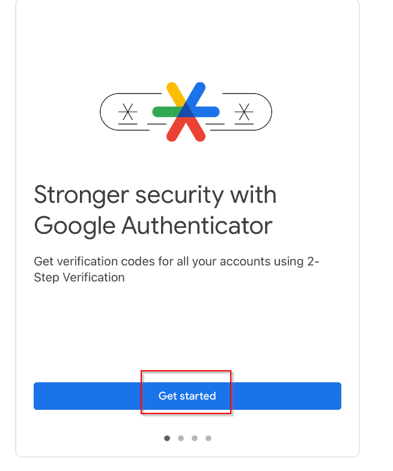
5, Install the App and Open it,
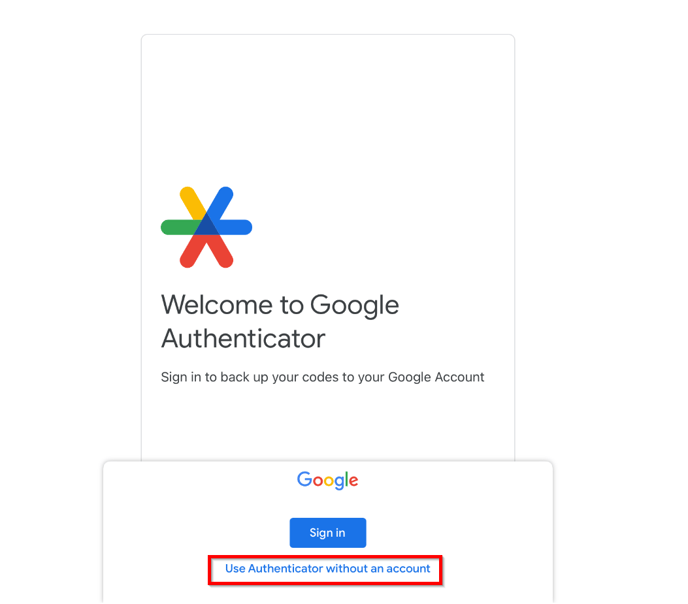
6, You can choose 'Use Authenticator without an account',
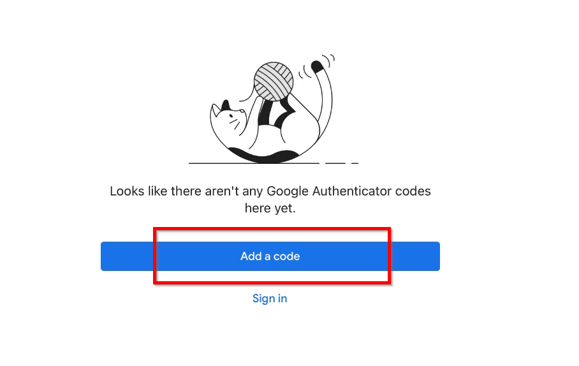
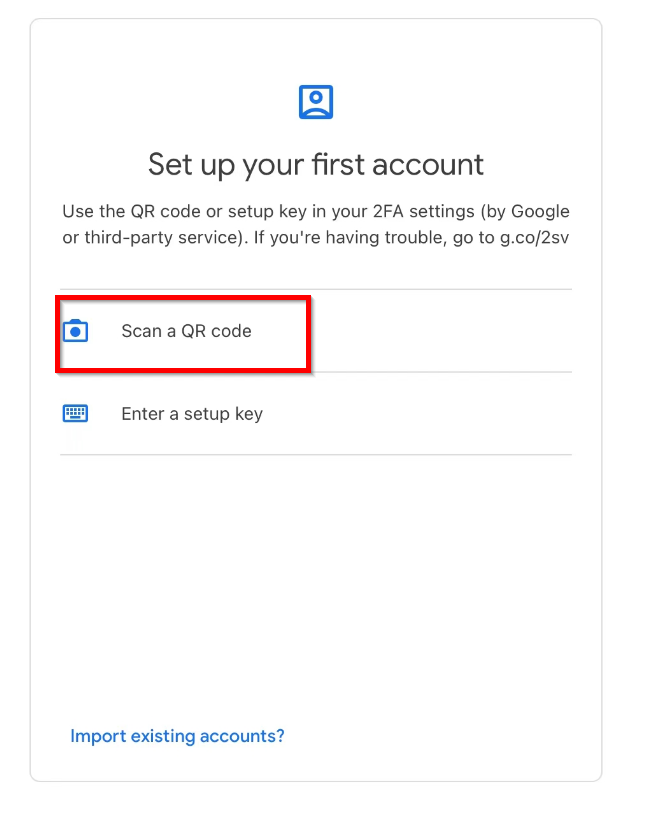
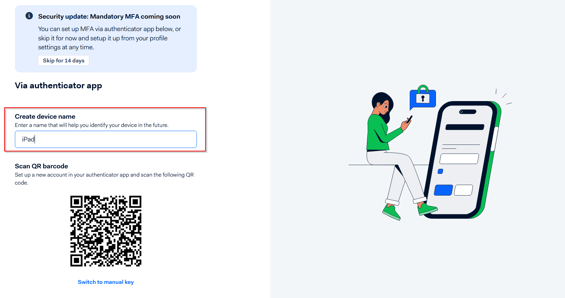
7, Choose 'Scan a QR code' and then goto webpage as below and input a device Name for this Authenticator and scan below QR code to start the bundling.
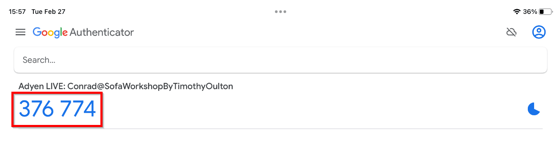
8, After scanning, there will be a code appears on the iPad/iPhone Authenticator screen:
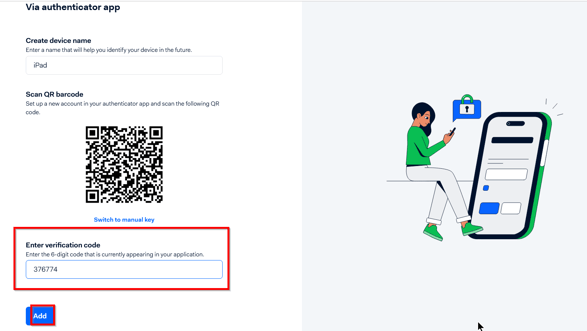
9, Input this code into the webpage and hit Add to finish the bundling.
10, It's all finished now. Every time you login you need to generate a code from Authenticator and login to your account.